BookTok video ideas for people who do not want to be on camera
You do not have to talk to a lens to make BookTok content. Ten video ideas built around covers and text, from a wheel that picks your next read to a tier list, with a caption angle for each.
3 min read · free to read, no sign-up
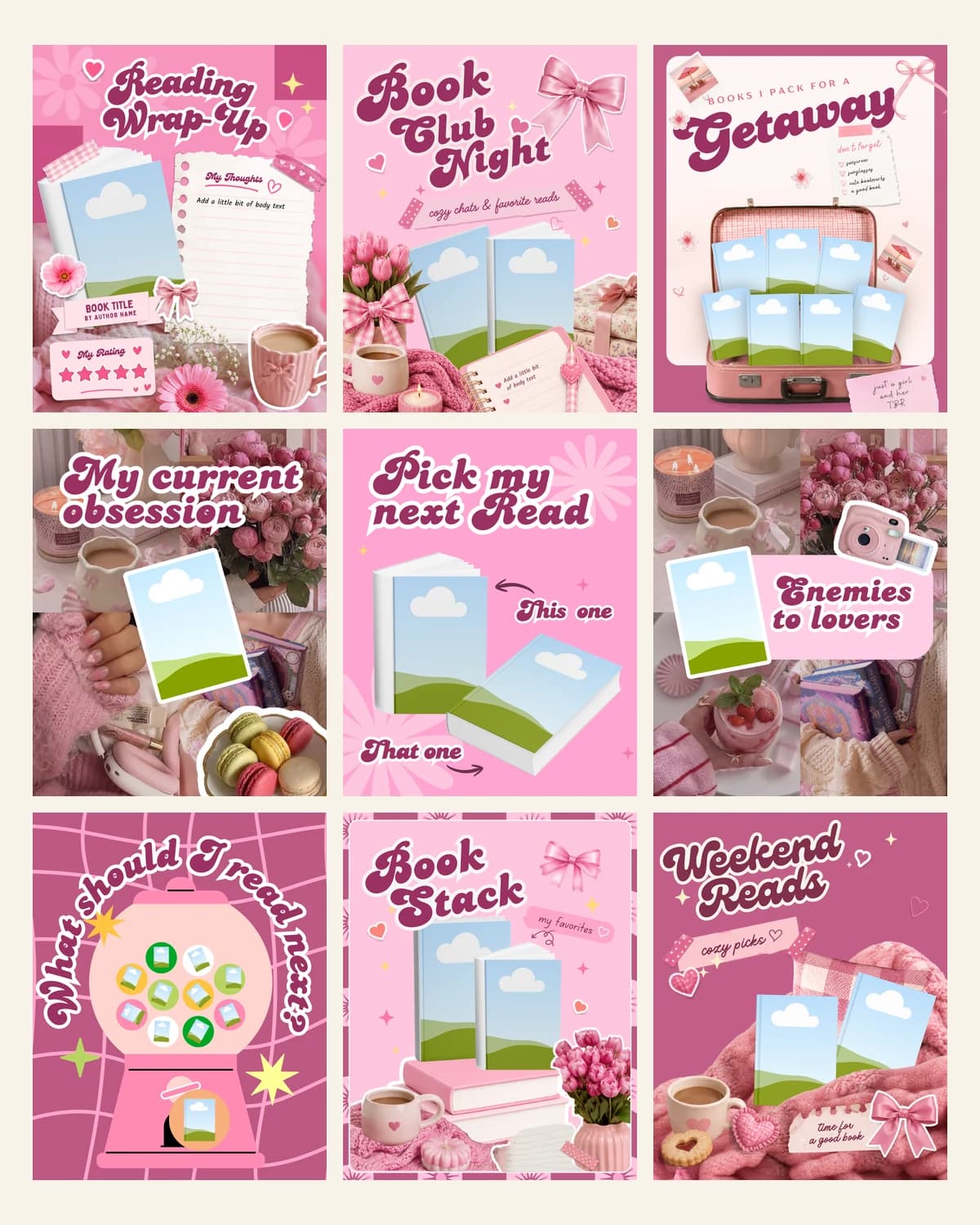
BookTok has a reputation for people crying over a hardback to camera, and that puts off readers who like books but not being filmed. The good news is that a large share of book videos never show a face at all. The book is the star, the text carries the idea and the viewer supplies the feelings.
Below are ten formats that work with covers and words only. Each one has a built-in question for the caption, which is where most of the engagement comes from.
Videos that choose something
- Spin the wheel for my next read. Put the books from your TBR on a wheel and let it land. The caption: would you have picked something else?
- Claw machine TBR. A claw drops, one book comes up. It is the same idea as the wheel with a different mood, so you can alternate them.
- Three hints, then the cover. Give three clues about a book, then show the cover. The caption invites guesses before the reveal.
- Three cards, three next reads. A reading in three picks for a given mood, such as comfort, heartbreak or something fast.
Videos that rank or count
- A tier list, S to C. Say it out loud, one book per tier, and defend the controversial ones. People will argue with you, which is the point.
- The pile that keeps growing. A TBR tower that gets taller as you add titles. It is funny because everyone has one.
- Nine squares, tick what you have read. A bingo-style grid of popular books that the viewer checks against their own shelf.
- The yearly challenge, counting up. A reading goal that ticks up as you finish each book, ideal as a monthly series.
Videos that show a book off
- A cover that opens on the line. Show the cover, then reveal the quote that made the book matter to you.
- Your month on a bookcase. A wrap-up where each finished book takes its place on a shelf, so the month looks like something you built.
Making them without a video editor
You can build any of these in a phone editor, but the wheel and the claw are slow to animate by hand. Pinky Cat has them as ready-made animated templates that run in your browser: choose one, type your book titles, let the cover search fill in the covers and save an MP4. The template list also includes the tier list, the nine-square grid, the growing TBR pile, the yearly counter and the month on a bookcase, so you can keep one look across a whole series.
Remember that the export carries no sound. That is useful here, because TikTok and Instagram then let you add whatever is trending when you post.
Browse the animated templates and try them free before you decide. Open pinkycat.appNeed the numbers behind a tier list or a yearly counter? Cherry Books keeps your finished books, ratings, spice and a year-in-books recap in one place. See it at cherrybooks.appSets from this guide
Skip the blank page
See every set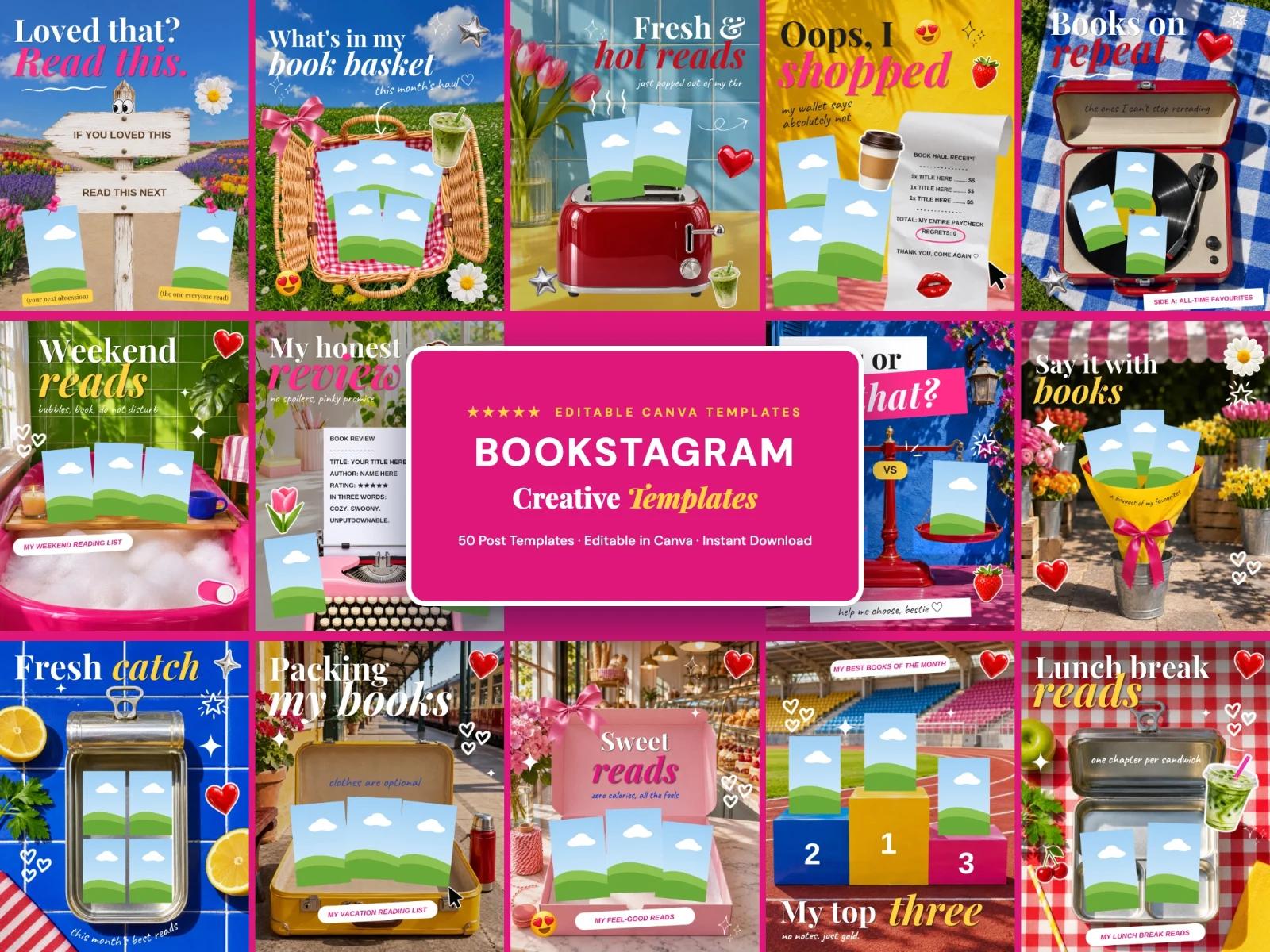
Keep reading