How to make a bookstagram reel from your book covers, no editing skills needed
Reels are where new readers find a bookstagram, and video is the part most people put off. Three ways to turn your book covers into a reel, what to put in the first seconds, and how to keep the whole thing under half an hour.
3 min read · free to read, no sign-up
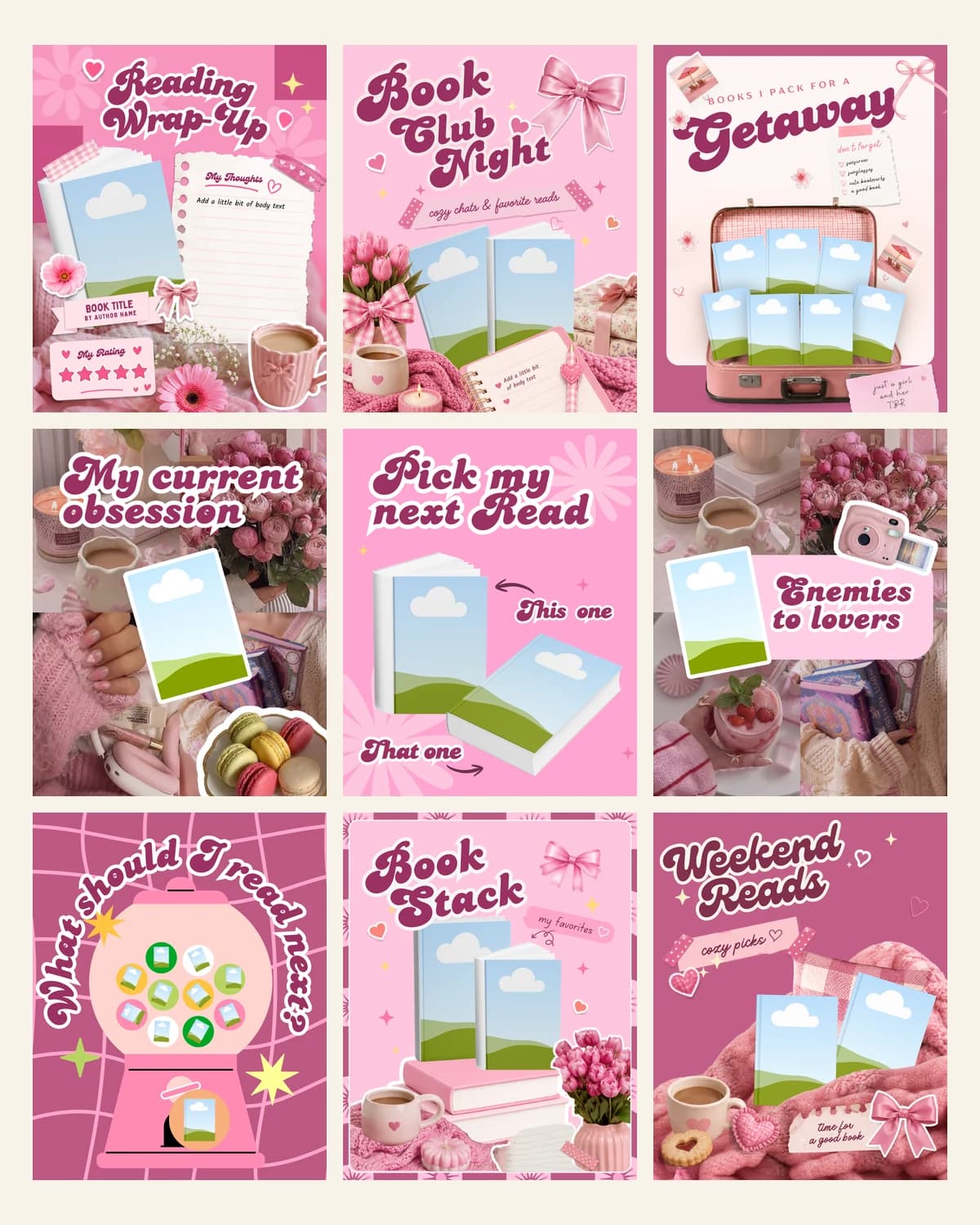
Most bookstagrammers have a feed of good photos and a folder of reel ideas they never made. The reason is rarely creativity. Video feels like a separate skill, with software to learn, clips to trim and music to sync, so it gets postponed until the book has already been out for a month.
A book reel does not need any of that. It needs one idea, one or more covers, and a few words of text that people can read in the time it takes to scroll past. Here is how to get there.
What makes a book reel hold attention
- One idea per reel. Pick my next read, three books that ruined me, books I have not finished. If you cannot say it in six words, split it into two reels.
- The hook comes first. Open on the question or the cover, not on a logo or a title card that explains the video.
- Text people can read. Large, high contrast and short, because a reel is watched on a phone, often with the sound off.
- One book at a time. A cover that stays on screen long enough to recognise does more than five covers flashing past.
- An ending that asks something. Which one would you pick? Have you read it? Comments help a reel travel further.
Three ways to make one
- 1Film your shelf. Pan slowly along your books on a phone, then add text in the Instagram editor. It is free and personal, but it takes a good light, a steady hand and several takes.
- 2Slide your covers in a phone editor. Put covers on slides, add text and let the app animate the changes. Quick, though the result often looks like every other slideshow.
- 3Use an animated template. Choose a ready-made scene, such as a prize wheel or a claw machine, drop your covers in and export the video. This is the fastest route when you want something that moves like a small toy rather than a slideshow.
Using an animated template
Pinky Cat is a browser studio built for this. You pick a template, type a book title and its cover search finds the edition and puts it into the slot, so there is nothing to download, crop or drag into place. You can also use your own photographs. Then you change the palette, type your own headline and save an MP4 sized for Stories, Reels or TikTok.
Two details are worth knowing before you start. The export is silent on purpose, so Instagram and TikTok still let you lay a trending sound over the top. And the studio is free to try: you can play with every template and only need the key to save the video, which is a single payment with no subscription.
Posting it
Write the caption as if the video were a conversation opener, not a description of itself. Ask one thing, name the book, and add the content notes if the book needs them. Then repeat the format. A reel format you use every week, such as a Friday pick or a month-end wrap-up, teaches followers what to expect, and it costs you less effort each time because the template is already set up.
See the animated book templates and try the studio free in your browser. Open pinkycat.appSets from this guide
Skip the blank page
See every set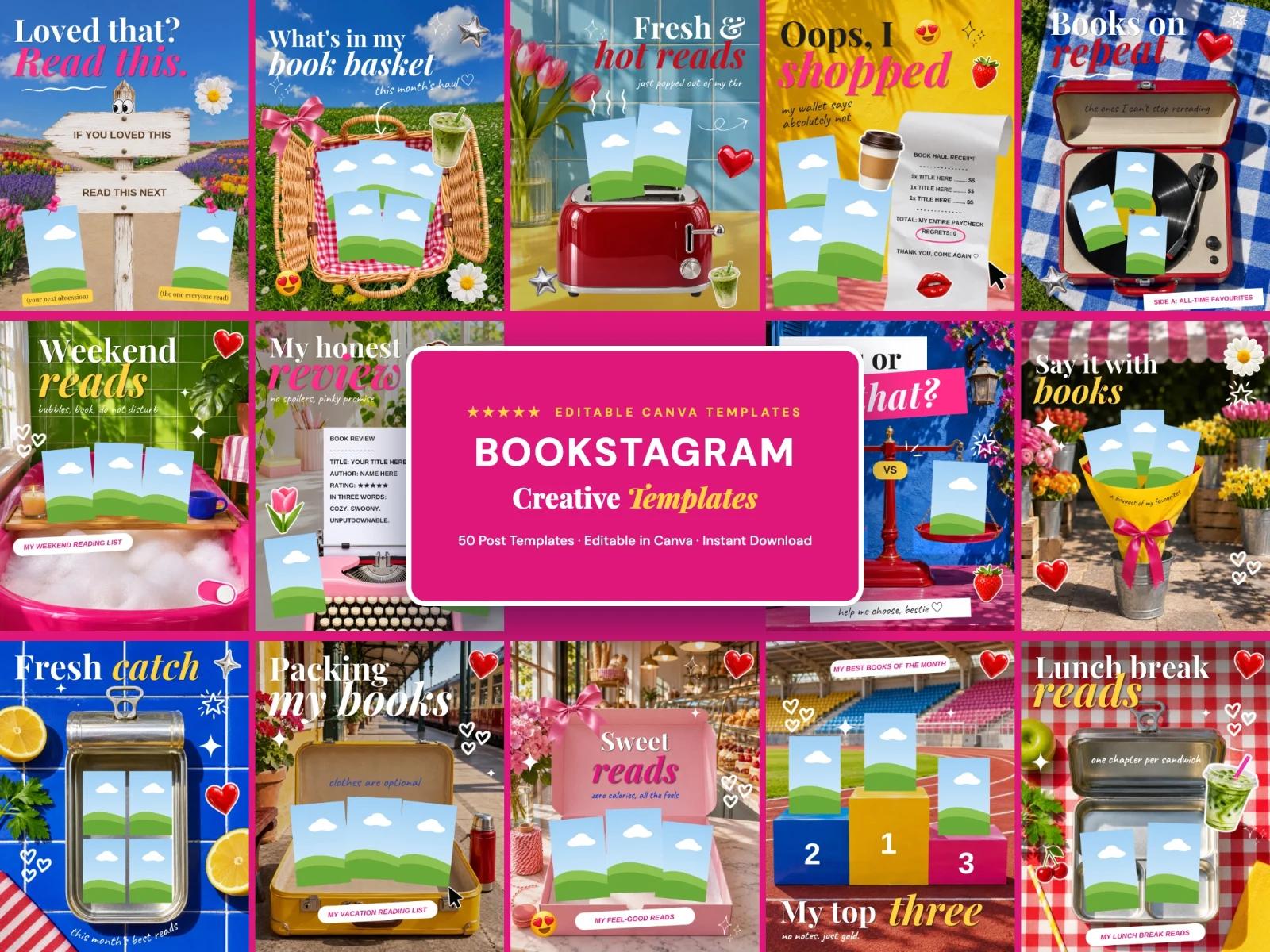
Keep reading