How to save quotes from books so you can find them again
Where most saved quotes get lost, a quick way to capture a line while you read, and how to organise a quote collection you will actually reread.
2 min read · free to read, no sign-up
Every reader has lost a perfect line. You read it at midnight, thought you would remember it, and a month later you cannot even remember which book it was in. Screenshots pile up in the camera roll, sticky tabs fall out, notes apps fill with fragments with no title attached. A quote is only saved if you can find it again.
Capture it in the moment
The best time to save a quote is the second you read it, and the method has to take less than ten seconds or you will skip it. Choose one place for every quote, whatever format you read in:
- Paper books: a photo of the page, then type or paste the line into your reading log the same day.
- E-books: highlight it, then copy the highlight across at the end of the chapter.
- Audiobooks: note the chapter and rough time stamp, then find the text later. A bookmark in the audio app works too.
Always save three things with it
- 1The book, so the quote has a home.
- 2The page or chapter, so you can find the context.
- 3Who said it, if it was dialogue. A line means something different from the villain than from the narrator.
Organise it lightly
Do not build a tagging system before you have fifty quotes. Start with the book as the only label. Once the collection grows, a handful of themes is enough — love, grief, funny, courage, the ones that made you cry. You will reread a collection sorted by feeling far more often than one sorted by author.
Use them
- Read through your quotes at the end of each month. It is the quickest way to remember what each book gave you.
- Use a saved line as a bookstagram caption or a review opener.
- Copy a favourite into a card or letter. A line someone chose for you lands harder than a line you found online.
A good quote collection becomes a second, shorter book: the parts of everything you read that you wanted to keep.
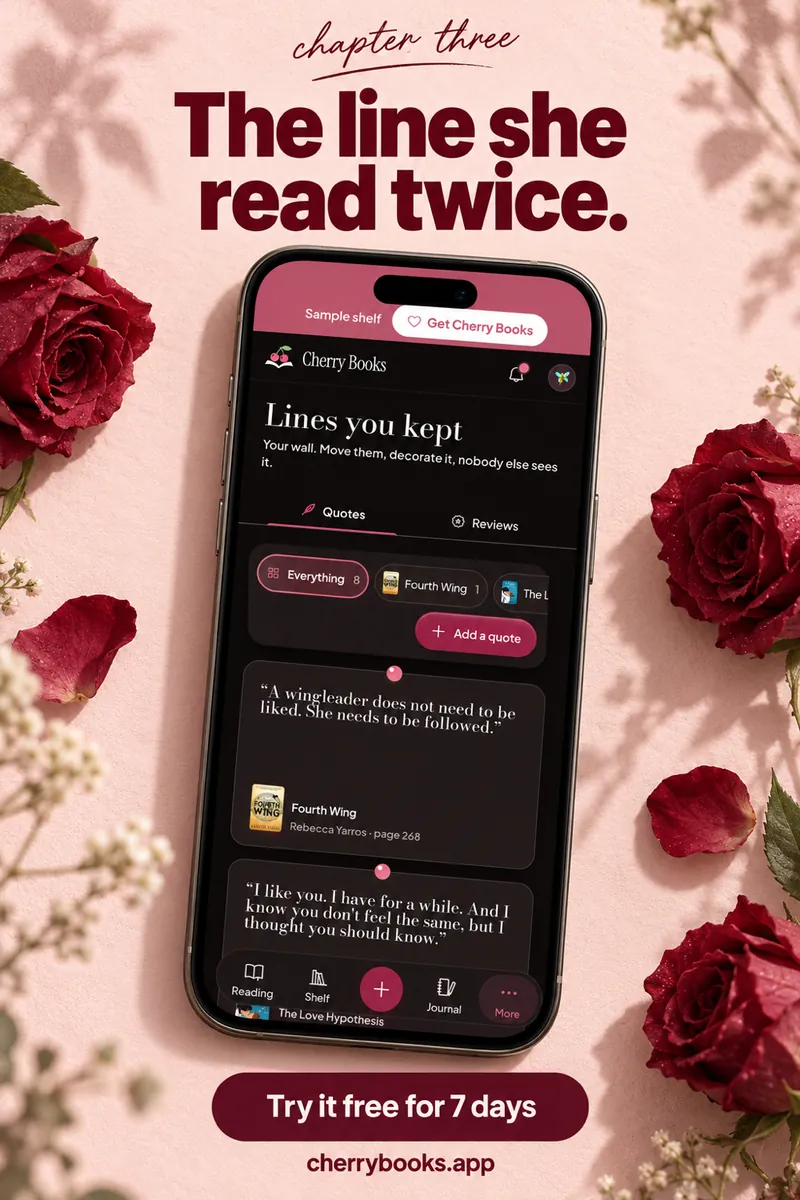
Cherry Books keeps every quote with its book and page, all in one collection you can scroll through. See it at cherrybooks.appSets from this guide
Skip the blank page

Keep reading