Free bookstagram templates: 12 layouts to build in Canva in ten minutes
Twelve free bookstagram templates to build in free Canva — current read, TBR stack, rating card, wrap-up — with sizes, and where free stops being worth it.
5 min read · free to read, no sign-up

You do not need to buy anything to run a good-looking book account. Every layout below can be built in the free Canva plan, from a blank 1080×1350 canvas, in about ten minutes the first time and two minutes every time after. What follows is the layout itself — what goes where, and why — rather than a download link, because a template you built is one you understand well enough to change.
Before you start: the three settings that make everything else easy
- 1Size. Create a custom design at 1080×1350 for feed posts and 1080×1920 for stories. Square posts crop badly in the current grid and cost you space.
- 2Palette. Choose three colours — background, ink and one accent — and save them in the colour panel. Every layout below uses only those three.
- 3Type. One display font for headlines, one plain font for everything else. Free Canva has plenty; Playfair Display with Inter, or Fraunces with DM Sans, are both safe starting pairs.
Build these once, in one file, and duplicate the page each time you post. That file is your template set.
Twelve layouts worth building
- 1Currently reading. One cover on the left two-thirds, and on the right: the title, a progress line (page 212 of 380), and one sentence on how it is going. The progress line is what makes people reply.
- 2TBR stack. Five covers overlapping in a loose tower down the centre, a headline across the top — "Next up" or the month's name. Keep covers at book proportions; do not squash them into squares.
- 3Rating card. Cover at the top, then a row of five shapes for the score — hearts, stars, peppers for spice — and three short lines underneath: who it is for, what it did well, one caveat.
- 4Quote card. Just type on your background colour: the line, the book and author in small caps below it. No cover. These are the most saved posts on most book accounts because they are about the reader, not the book.
- 5Monthly wrap-up. A three-by-three grid of covers with the month in large type above and the number of books in the accent colour. Leave empty slots in the grid if you read fewer; an honest six looks better than a padded nine.
- 6This or that. The screen split down the middle, one cover each side, a single question across the join. People answer these in one word, which is exactly the point.
- 7Book-to-mood recommendation. A headline naming a situation — "for a long train", "after a sad one" — and three covers in a row with one line each.
- 8Reading goal tracker. A large number (34 / 50) and a bar that fills in your accent colour. Update it monthly by moving one shape.
- 9Tier list. Four horizontal bands labelled S, A, B and C in your accent colour, covers dropped into each row. Contentious by design, which is good for comments.
- 10Bookish bingo. A three-by-three grid of squares, each with a prompt — a green cover, a book over 500 pages, a translated novel. Readers screenshot it and play along.
- 11Currently annotating. A close photograph of a page with your tabs, and a small key in the corner saying what each colour means.
- 12Story poll frame. A 1080×1920 version of this or that with space left in the middle for Instagram's own poll sticker. Build it once and every poll you run looks like your account.
Three rules that make free templates look expensive
- Leave margins. Keep everything at least 60 pixels from the edge. Crowding the canvas is what makes home-made graphics look home-made.
- One accent per post. The accent colour goes on the single thing you want read first — the rating, the number, the question — and nowhere else.
- Same position, every time. Your headline sits in the same place on every post of the same kind. The grid becomes recognisable, and recognition is what a template is for.
Where the covers come from
A photograph of your own copy is the best cover image you can use: it is yours, it looks like your account, and nobody else has it. For a flat cover, the publisher's own page or a library catalogue such as Open Library is the usual source. Cover art belongs to the publisher and the illustrator — using it to talk about the book is what bookstagram does and what publishers generally welcome; putting it on something you sell is not.
Where free stops being worth it
Building your own set is the right call for most people starting out, and some accounts never need anything else. It stops paying in three situations:
- You keep rebuilding. If your wrap-up looks slightly different every month because you started from a blank page again, the time you are saving is not being saved.
- The layouts are right but the look is not. Spacing, type sizes and a palette that holds together across forty layouts is design work, and it is the part that takes a trained eye rather than more time.
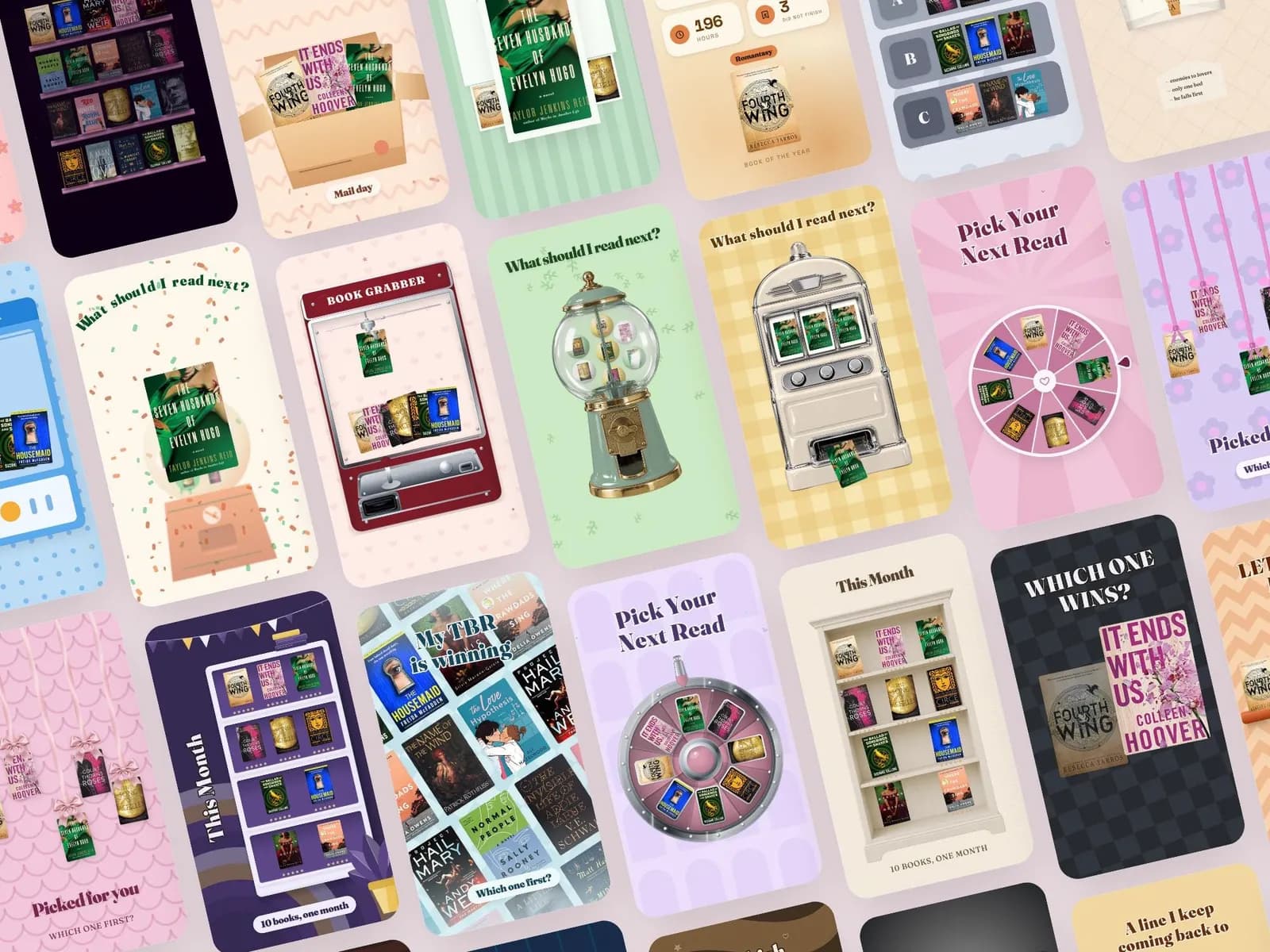
- You want movement. Reels and stories with a spinning wheel, a building TBR pile or a cover reveal are hard to animate in Canva and quick in a tool made for it.
That is where the sets here come in. The Coquette and Cozy Romance sets carry the everyday layouts — current read, TBR, review, wrap-up, reading tracker — as forty-five to fifty feed posts, already spaced, typeset and coloured, and they open in free Canva. The animated set covers the reels side — thirty-odd book videos you fill with your own covers in the browser and save as MP4. If the free versions are working for you, keep them. If you have noticed yourself rebuilding the same post every month, that is the hour a set buys back.
Sets from this guide
Skip the blank page
See every set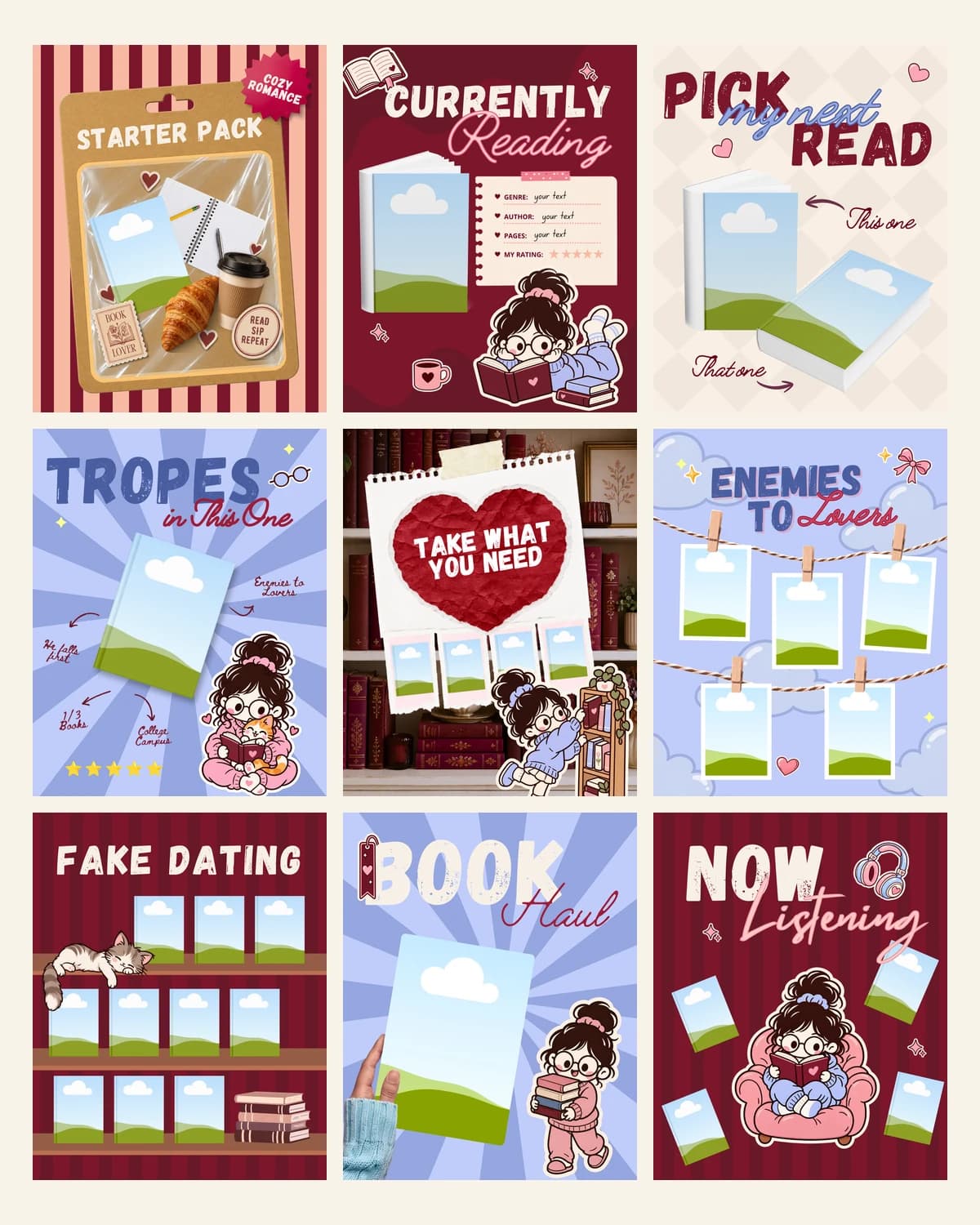
Keep reading