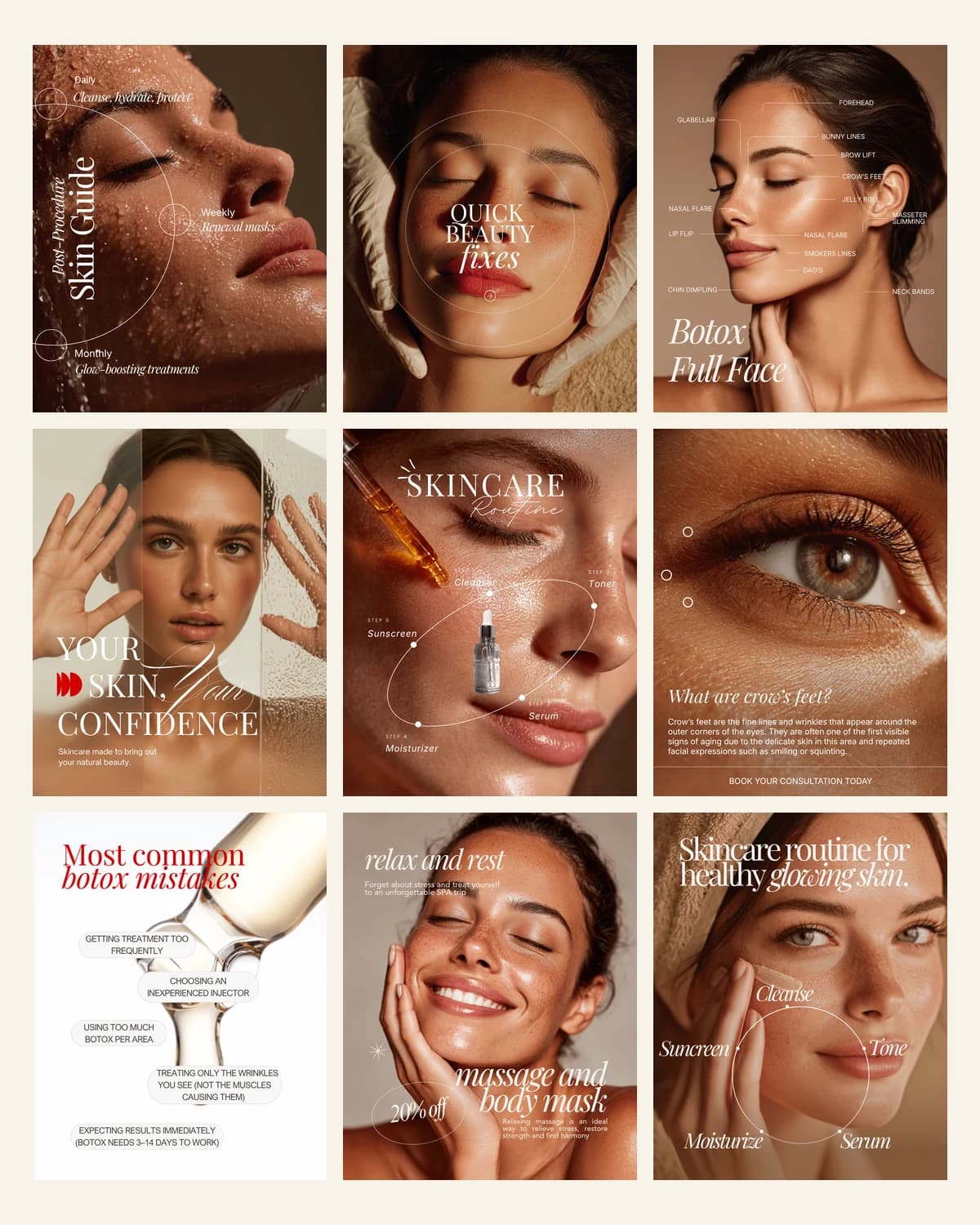
Laser Hair Removal Templates
Booking-driven set for laser and waxing studios
- Feed post templates, 1080×1350
- Treatment FAQ and preparation layouts
- Price list and promo post designs
$12one-time
Instant download, card or PayPal. Faulty or not as described? Refunded.
Buy it on Etsy instead — same shop, same files, sold there as DesyGoods
4.8(51 reviews)505 orders on Etsy since 2025
- Editable in Canva
- Yours forever
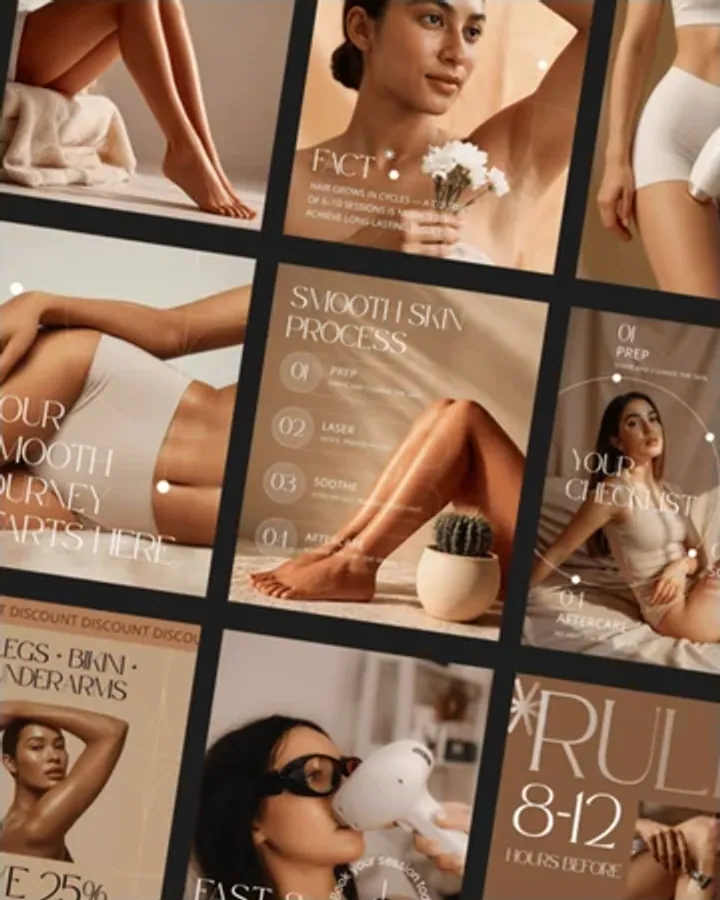
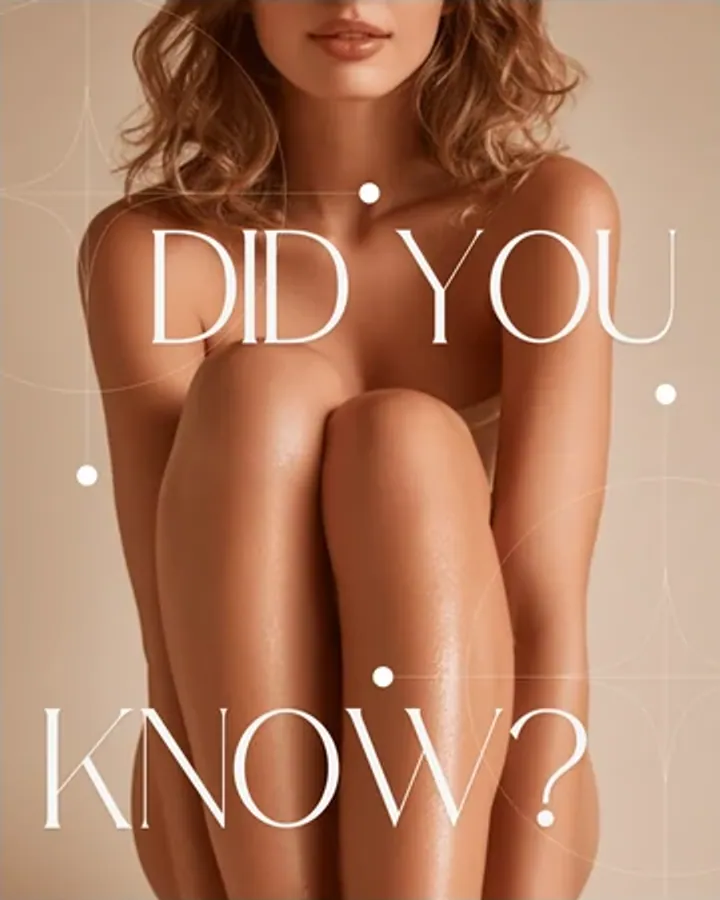
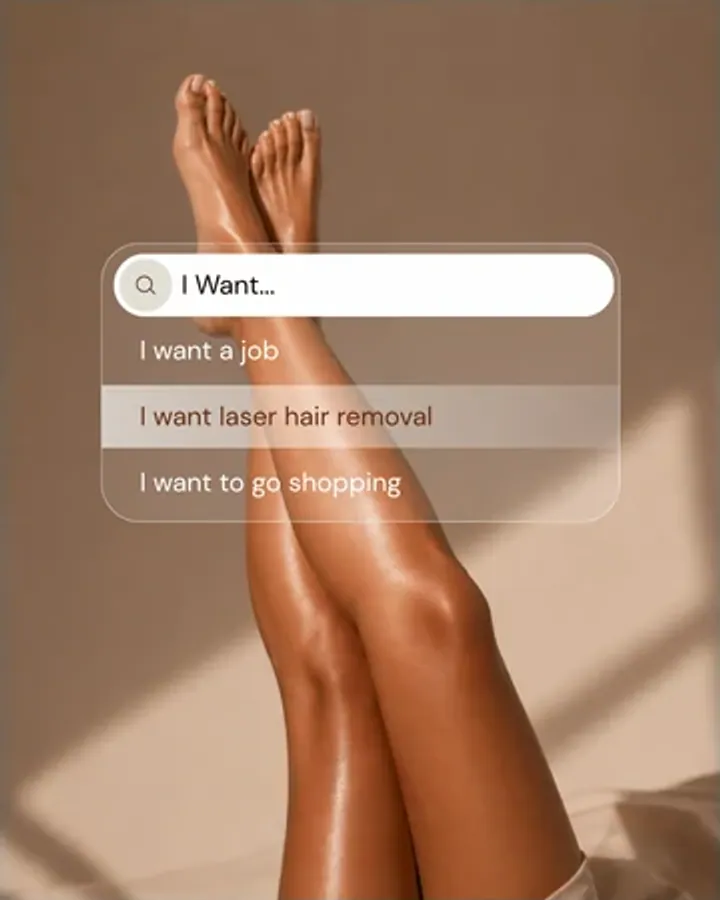
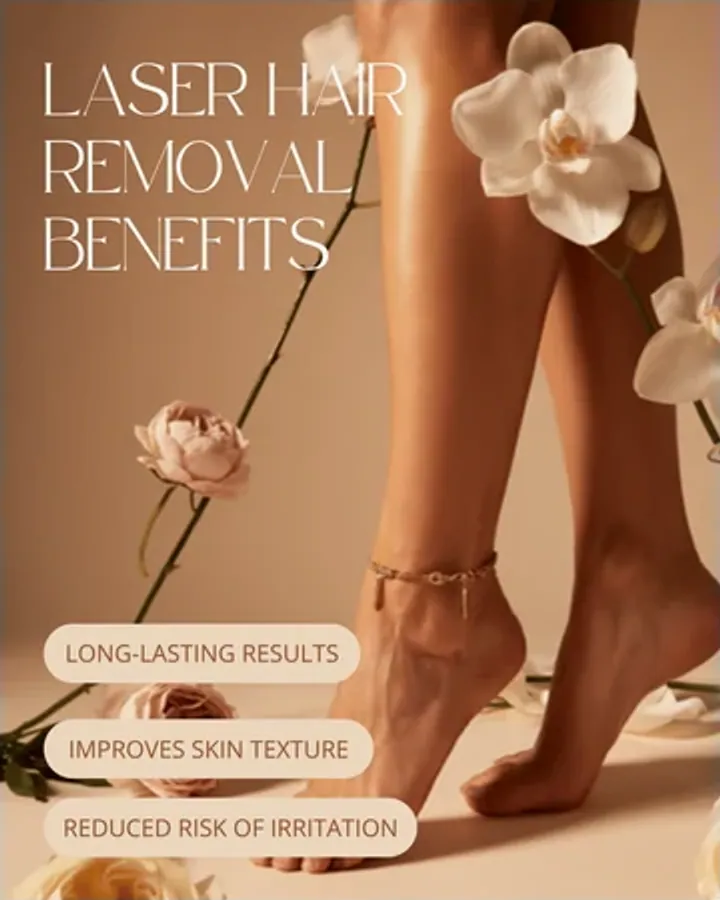
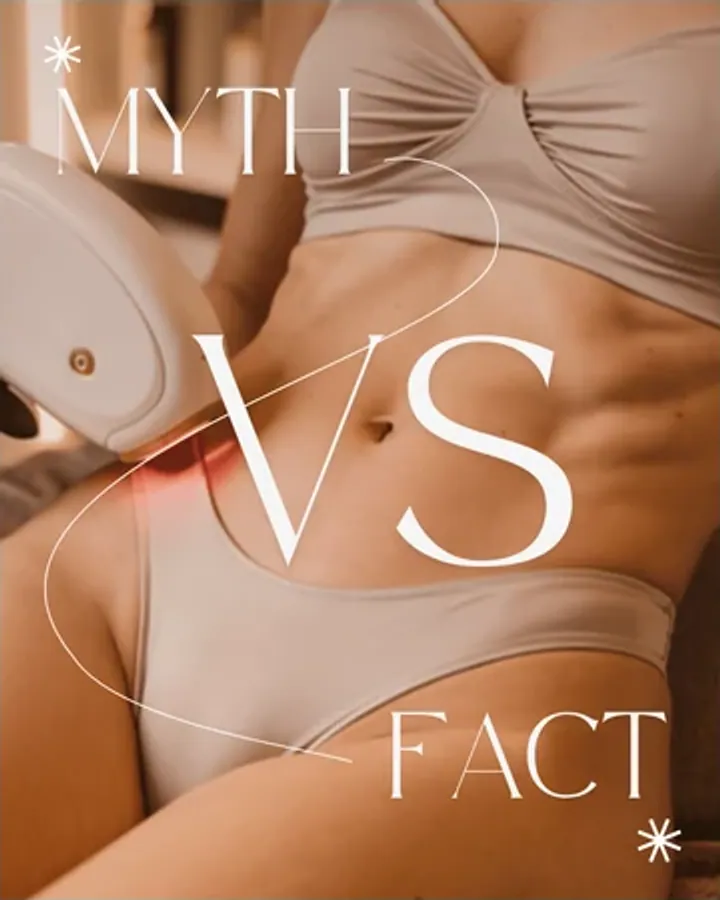
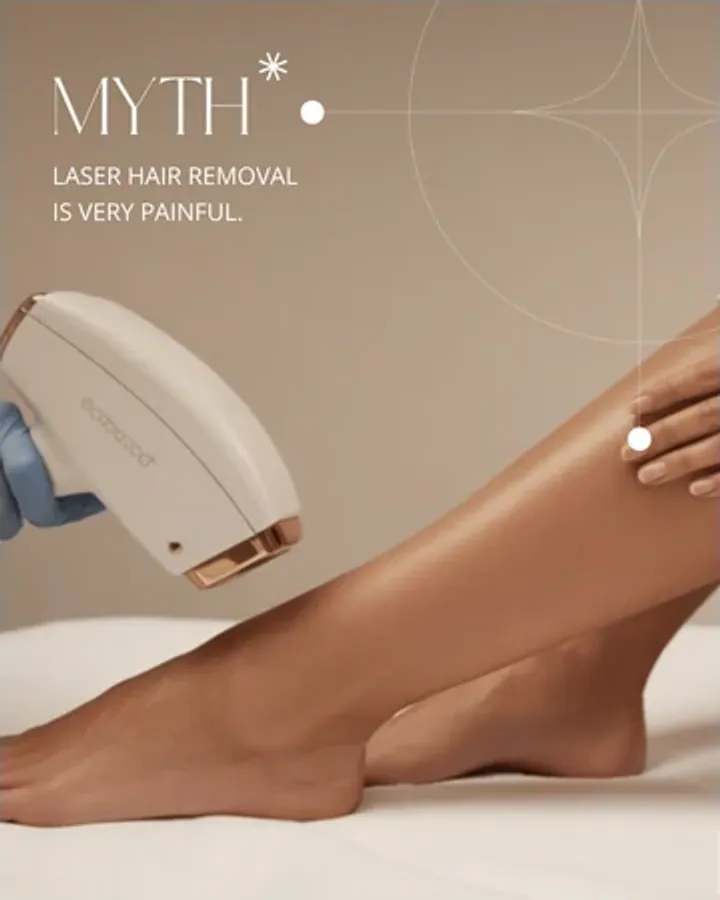
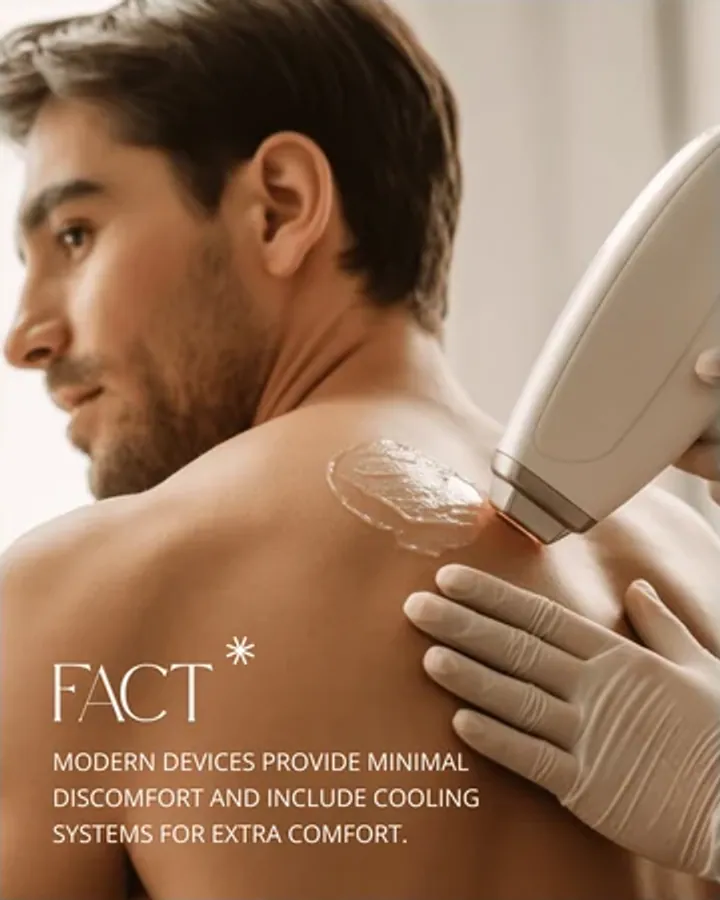
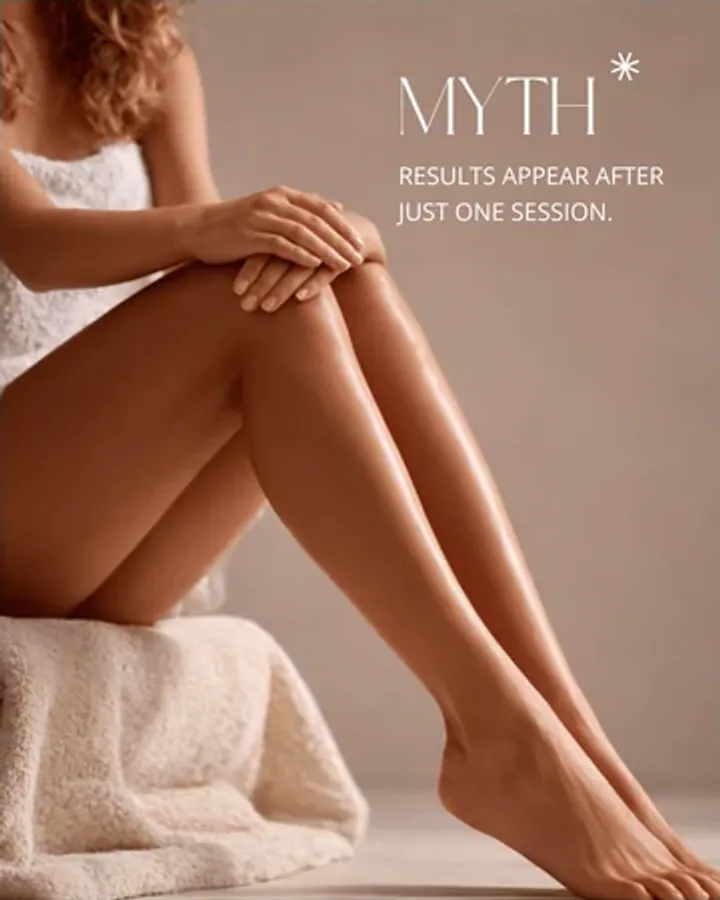
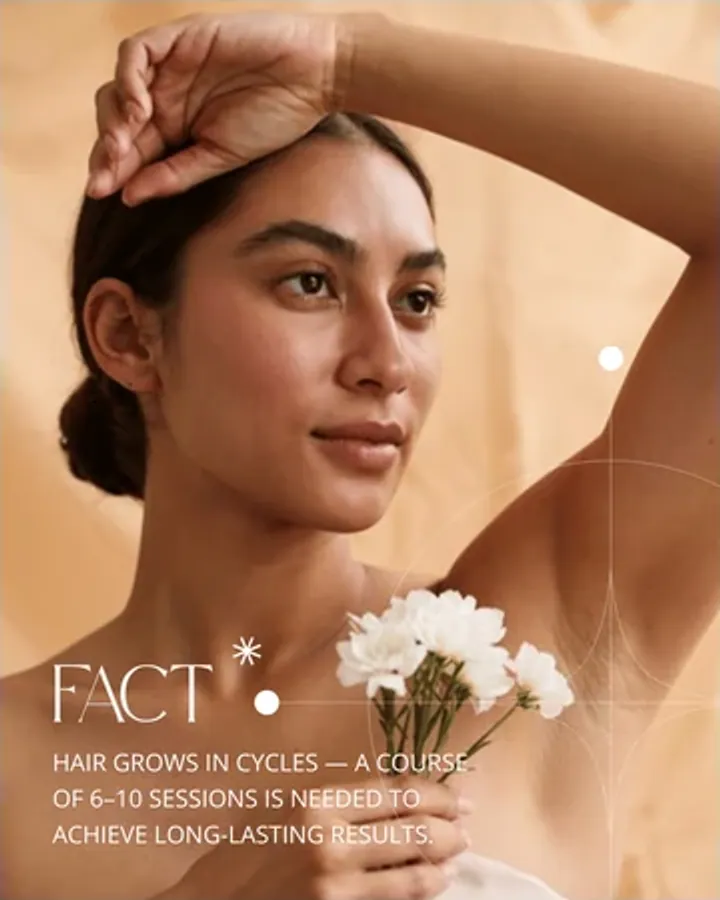
9 of 15 layoutsSee every layout ↓
What this set is
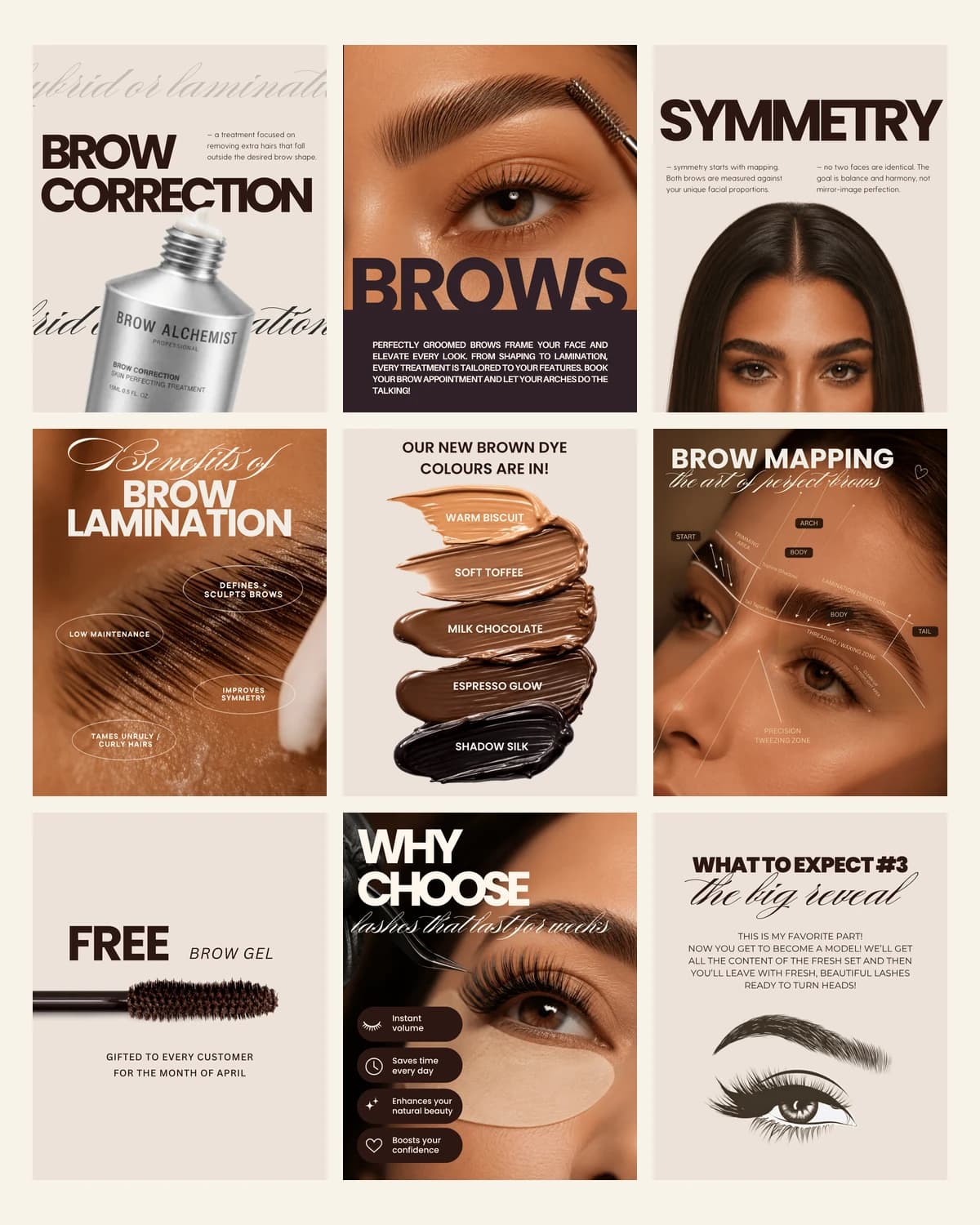
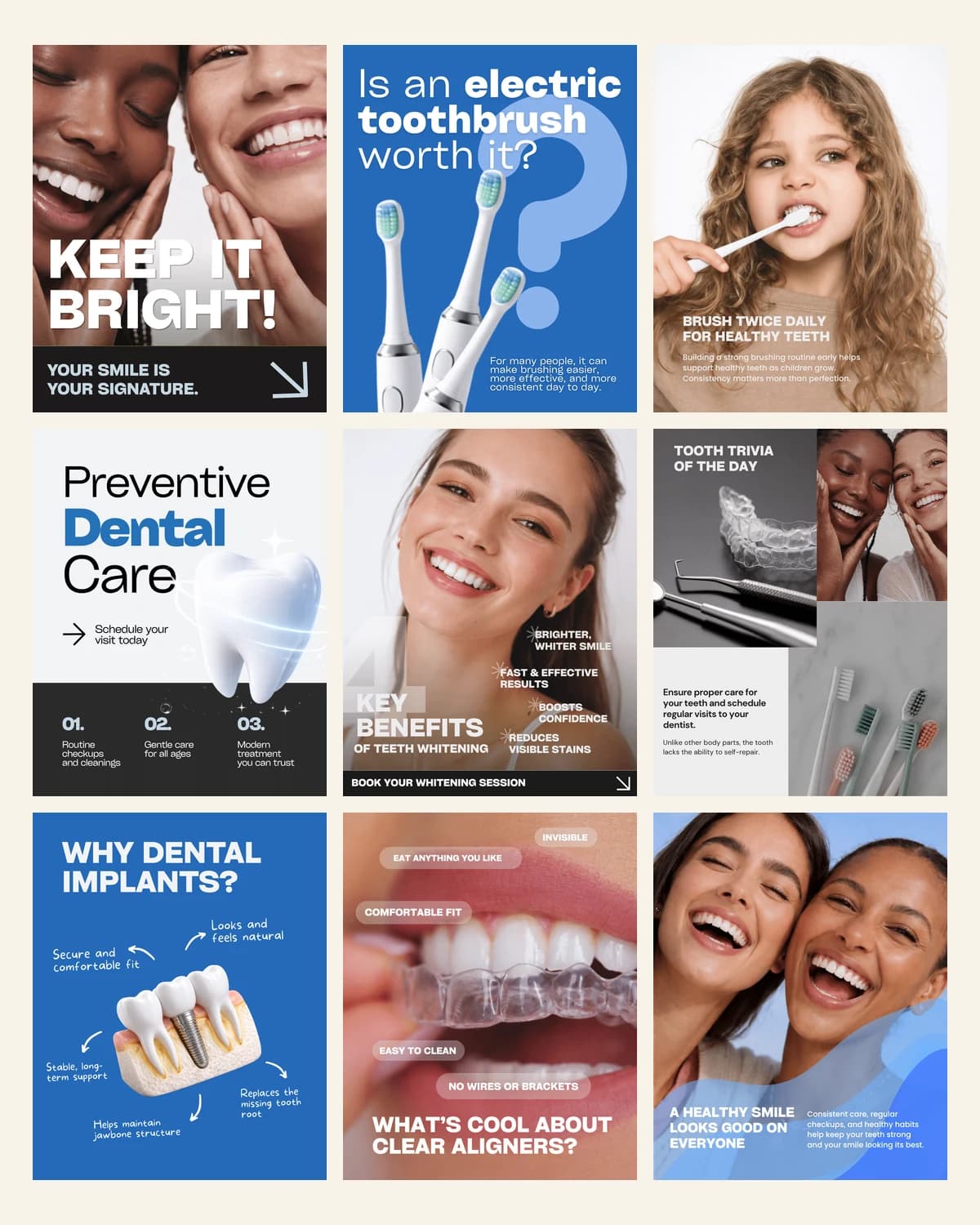
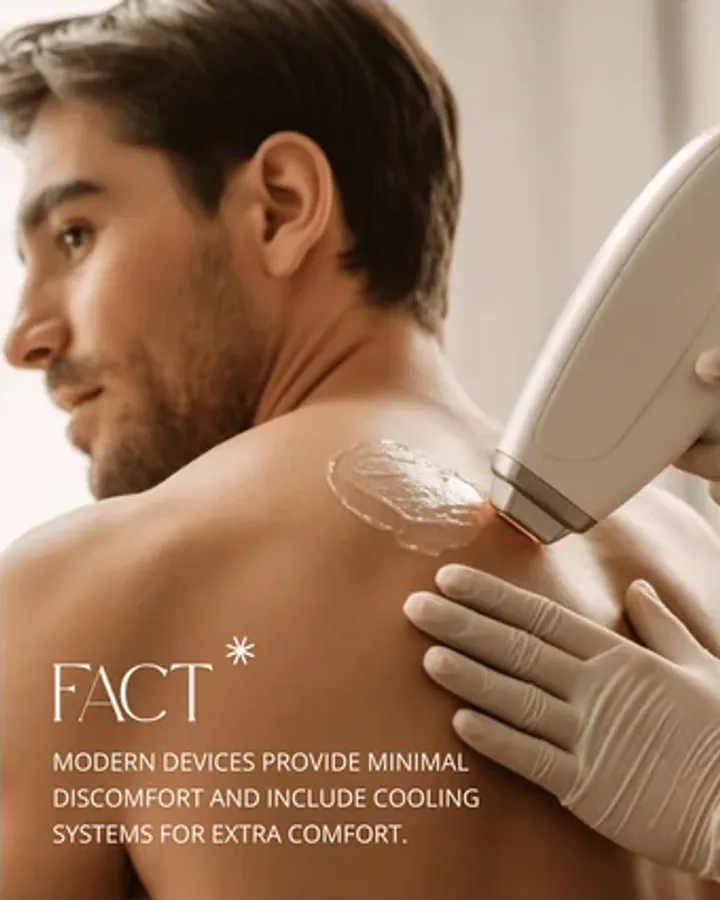
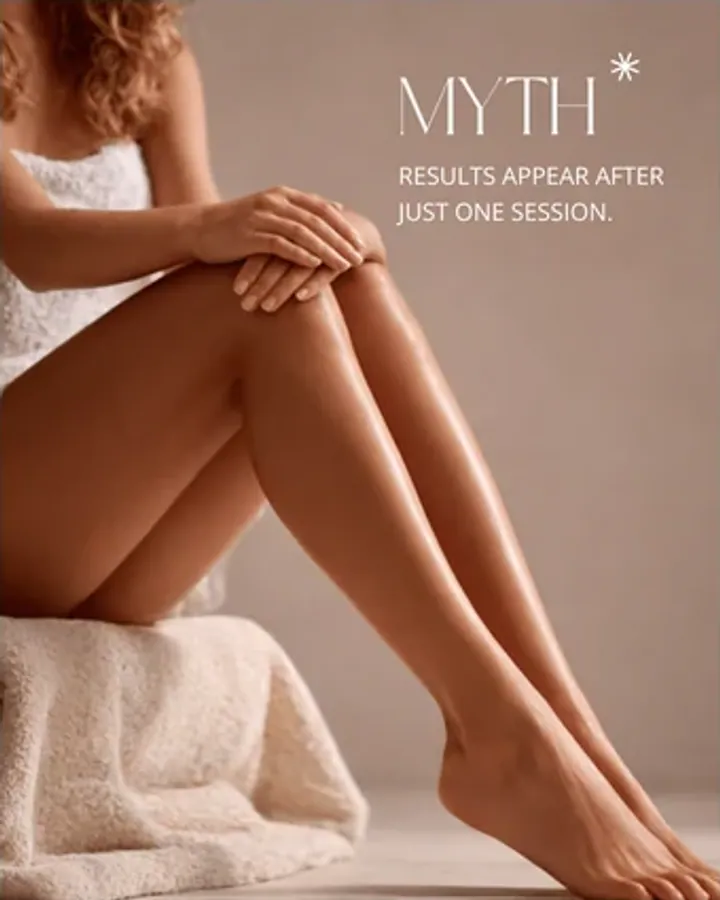
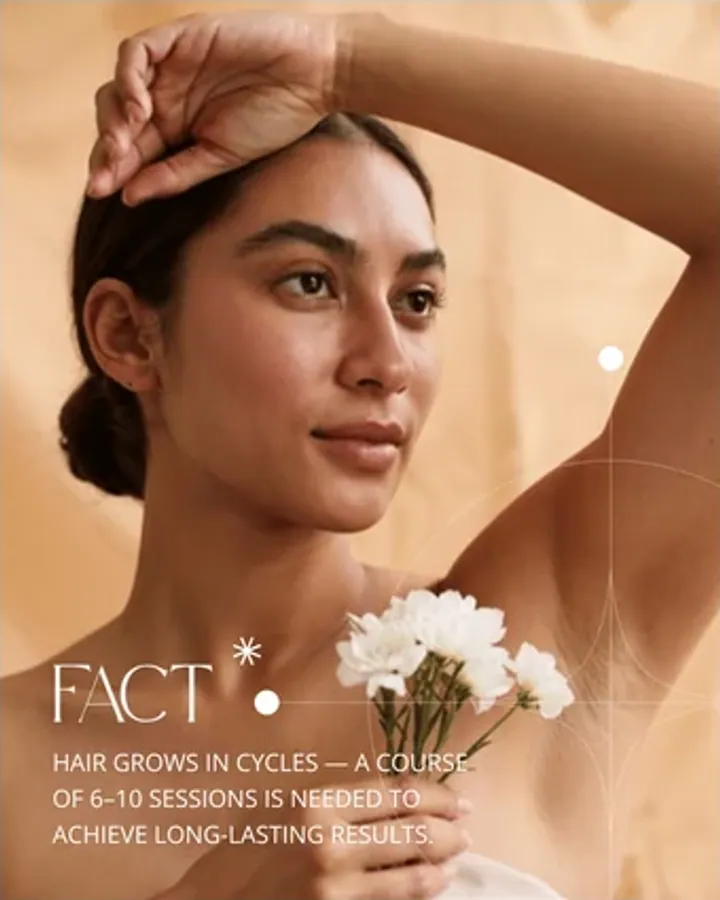
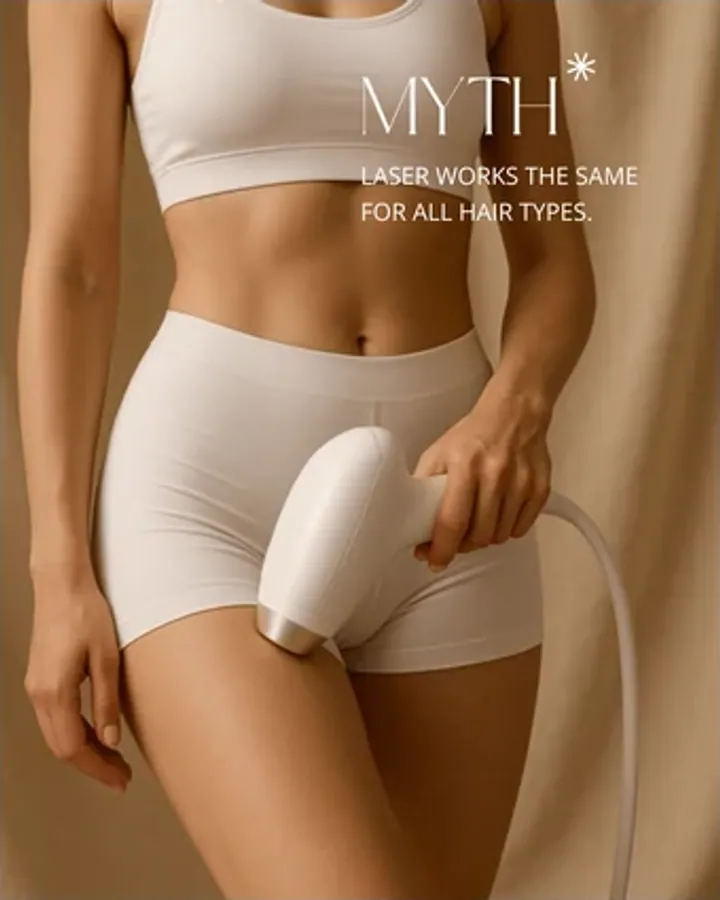
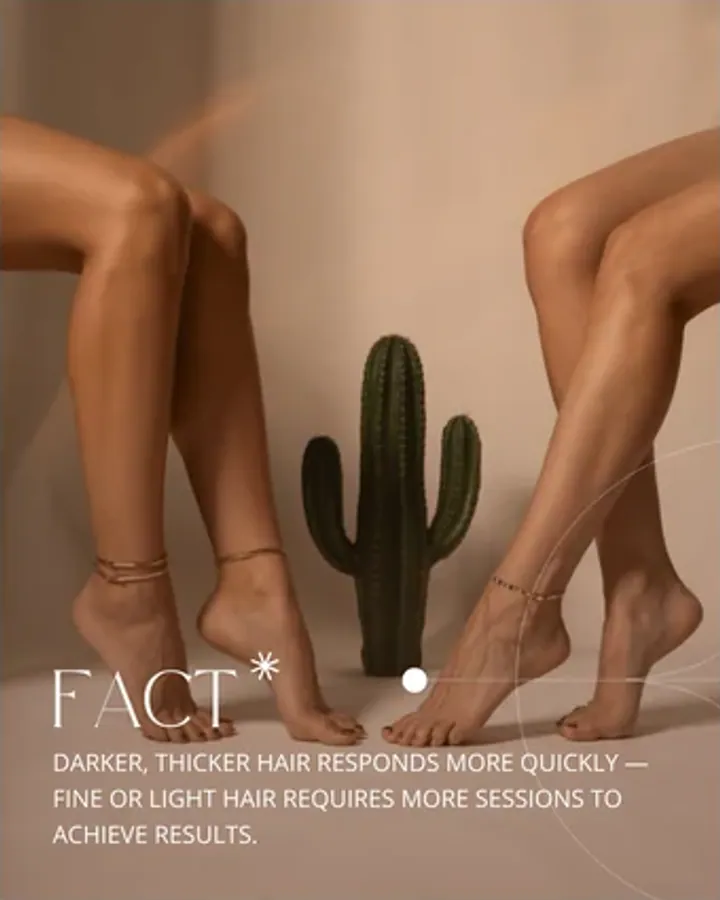
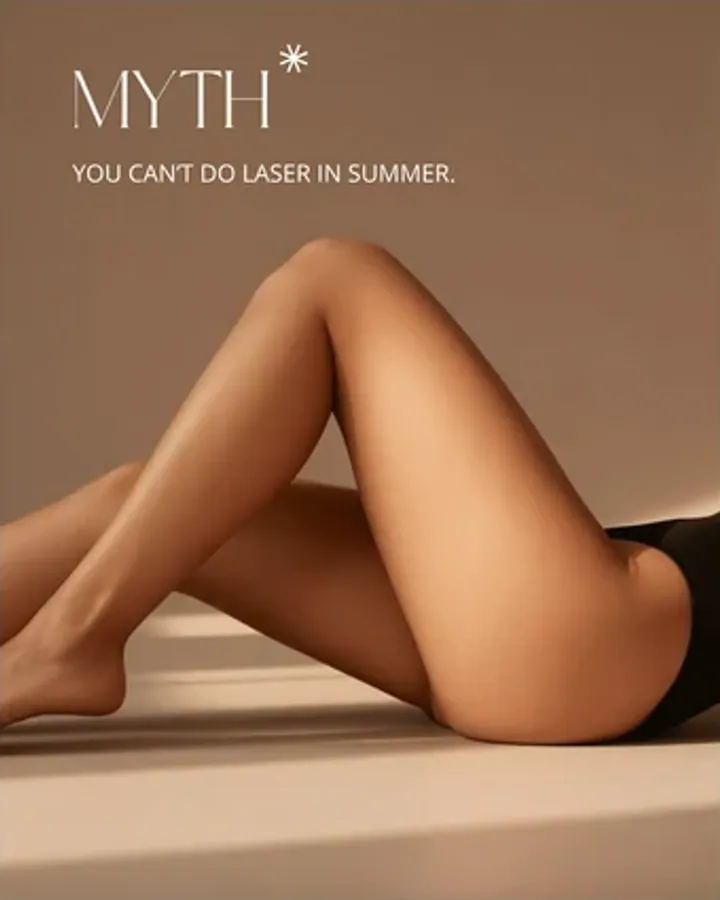
Posts that answer what clients actually ask before they book: how many sessions, what it feels like, how to prep, what it costs. Soft beige and skin tones with promo and price-list layouts built in, so an offer post does not look like an afterthought.
What you get
- Feed post templates, 1080×1350
- Treatment FAQ and preparation layouts
- Price list and promo post designs
- Editable text, colours and photos in Canva
- Works on a free Canva account
Formats
- Canva (free plan works)
- 1080×1350
The details
Made for
Laser Hair Removal Templates is made for these businesses in particular:
- Laser hair removal clinics
- IPL and electrolysis technicians
- Beauty salons adding laser to the menu
- MedSpas that treat hair removal as their main service
Instagram templates for MedSpas and aesthetic clinics →Instagram templates for laser hair removal clinics →
How you use it
- Buy it — $12 once, and the links arrive by email straight away.
- Open the PDF and click a template link. The whole set copies into your own Canva account.
- Swap the photos, the words and the two brand colours. Every layout follows.
- Download as PNG or JPG and post, or schedule it from Canva.
Files, sizes and licence
- Canva (free plan works)
- 1080×1350
Editable in a free Canva account — no Canva Pro needed, and no fonts or elements to buy. Use it for your own brand or one client brand; the template files themselves may not be resold or shared.
Instant download, card or PayPal. Faulty or not as described? Refunded.
Buy it on Etsy instead — same shop, same files, sold there as DesyGoods
- Who you pay
- Paddle.com Market Ltd — the seller of record on the invoice, not this studio. Terms
- What arrives
- A link by email the moment the payment clears. Nothing ships, nothing renews, and there is no account to make.
- If it is wrong
- A file that is faulty or not what the page described is refunded. Refund policy
- Who answers
- One designer, at hello@cherryfeed.com. The same sets have sold on Etsy as DesyGoods since 2025.
Licence in one line
Use it for your own brand or one client brand. Edit freely. Do not resell, share or redistribute the template files themselves. Full licence.
A look inside
Every layout
15 in this set — swipe, scroll or use the arrows
Free to read
What to post with it
Written for this set: what to put in it, how often to post, and how to make it look like your brand rather than a template.
- 5 min read
What to post as a lash or brow artist to fill your books
Before-and-afters alone will not fill a week. Here is what lash and brow artists should post instead, how to photograph work so the retention actually shows, and the three posts that turn a follower into a booking.Read it → - 4 min read
Instagram for aesthetic clinics: what makes someone book an injector
Aesthetic patients choose a practitioner, not a clinic, and they decide from an account before they ever ring. Here is what to post when before-and-afters are restricted, and what stops an enquiry turning into a booking.Read it → - 3 min read
What you can and cannot say when you advertise a treatment
Before-and-afters, prescription-only treatments, offers and testimonials: where clinic marketing usually breaks the rules, and how to write posts that still sell.Read it →
What buying it means
How it works
- 1
Buy it
Laser Hair Removal Templates is $12 once — card or Etsy, whichever you already have. The links arrive by email straight away.
- 2
Open in Canva
You get template links. One click copies the whole set into your own Canva account — the free plan is enough.
- 3
Swap and post
Drop in your photos and logo, change two colours. A month of content is ready in an afternoon.
Before you buy
Is this the right set?
Booking-driven rather than pretty: FAQ, preparation, price list and promo layouts for laser and waxing studios. It suits a studio whose bookings stall because people do not know how to prepare or what a course costs. If your account is already answering those and you need brand imagery instead, this is not the set — it is built to convert, not to decorate.
Your first month with it
Start with the price list and the preparation post, in that order, and pin both. Studios that publish a from-price consistently report fewer time-wasting enquiries rather than more, because the people who message have already accepted the number. After that, a fortnight of FAQ posts — one question each — will cover the objections that were quietly costing you bookings all year.
Asked before buying
Questions about Laser Hair Removal Templates
What does this set cover that a generic beauty pack does not?
Treatment FAQ, preparation instructions, price lists and promo posts. Laser and waxing bookings hinge on people knowing how to prepare and what it costs, and those are exactly the posts most studios never make.
Can I put my price list in it?
There are layouts drawn for it — columns and spacing that hold up when you have eleven services and three package prices, which is where a generic template usually collapses.
Is it only for laser, or does waxing work too?
Both. The preparation, aftercare and FAQ shapes are the same; only the words change. Studios that run both usually colour-code the two service lines using the same layouts.
How do I handle skin-type and safety claims?
Keep them factual and specific to the device you actually use, and avoid promising a result count. The templates hold whatever copy you write — the compliance judgement is yours and your regulator's.
Are the templates editable after I have used them?
Endlessly. Your Canva copy is permanent, so a price rise next spring is an edit to one slide rather than a new purchase.
Do I need a paid Canva account?
No. Every set is built with elements and fonts on Canva's free plan. If you have Canva Pro you can use the brand kit and resize tools, but nothing here needs it.
What exactly do I get after paying?
A PDF with your Canva template links. Open it, click a link, and the whole set copies into your own Canva account, yours to edit forever. Nothing to install and no files to manage.
Reviews
What buyers say
Left by buyers of this set on Etsy, where it has been selling since 2025.
“Perfect for improving your Instagram profile, thank you very much)”
Read every review on EtsyCherry Feed has sold on Etsy as DesyGoods since 2025.
$12one-time
Get the setMore from the shop
Keep looking
Every set is editable in a free Canva account and bought once.