
← All toolsNew
All-in-One Digital Wedding Planner
Guests, budget, seating and the timeline in one place
- A private link to your planner and a one-page PDF with your access code
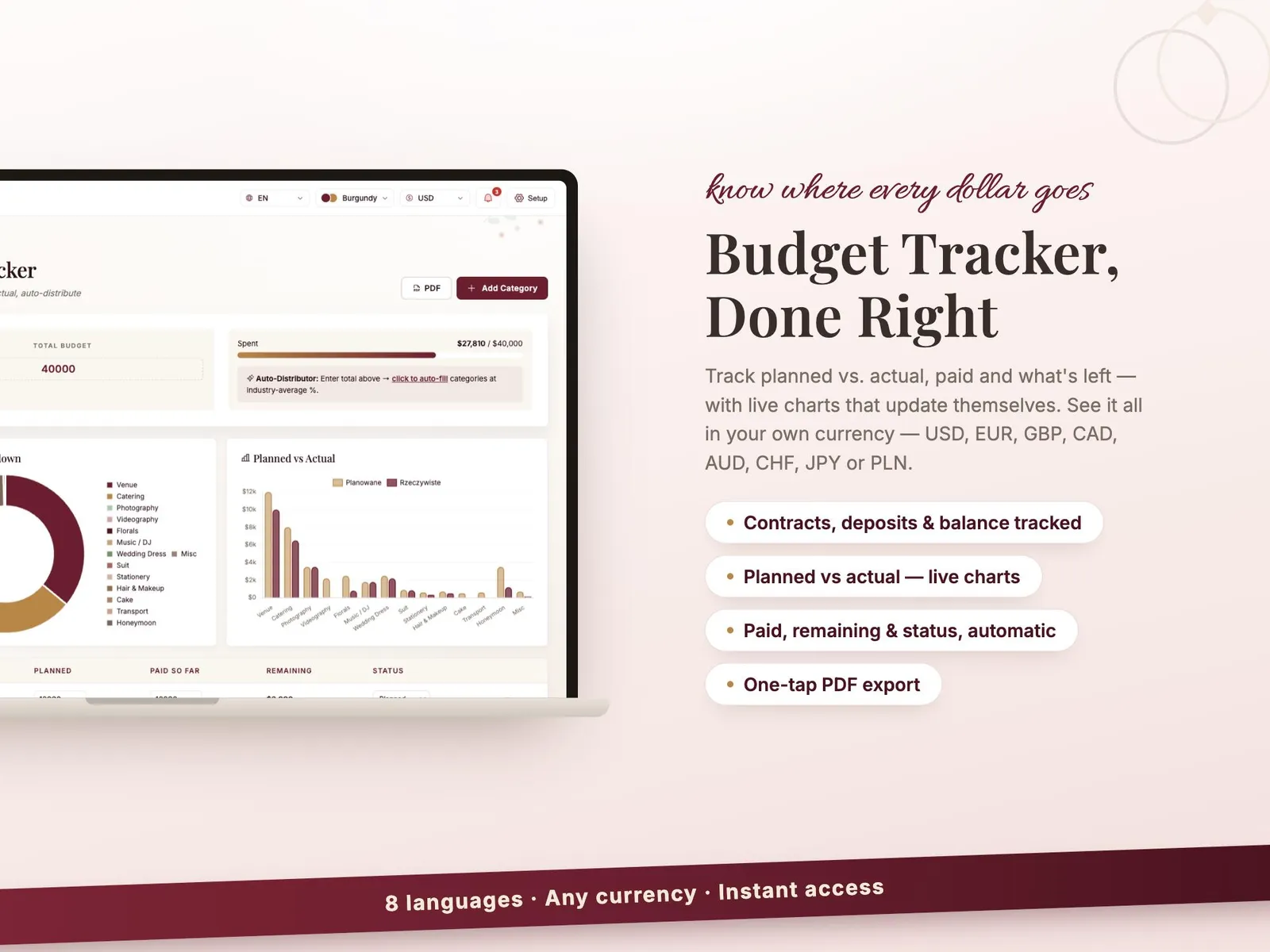
- Budget tracker: planned, paid and what is still owed
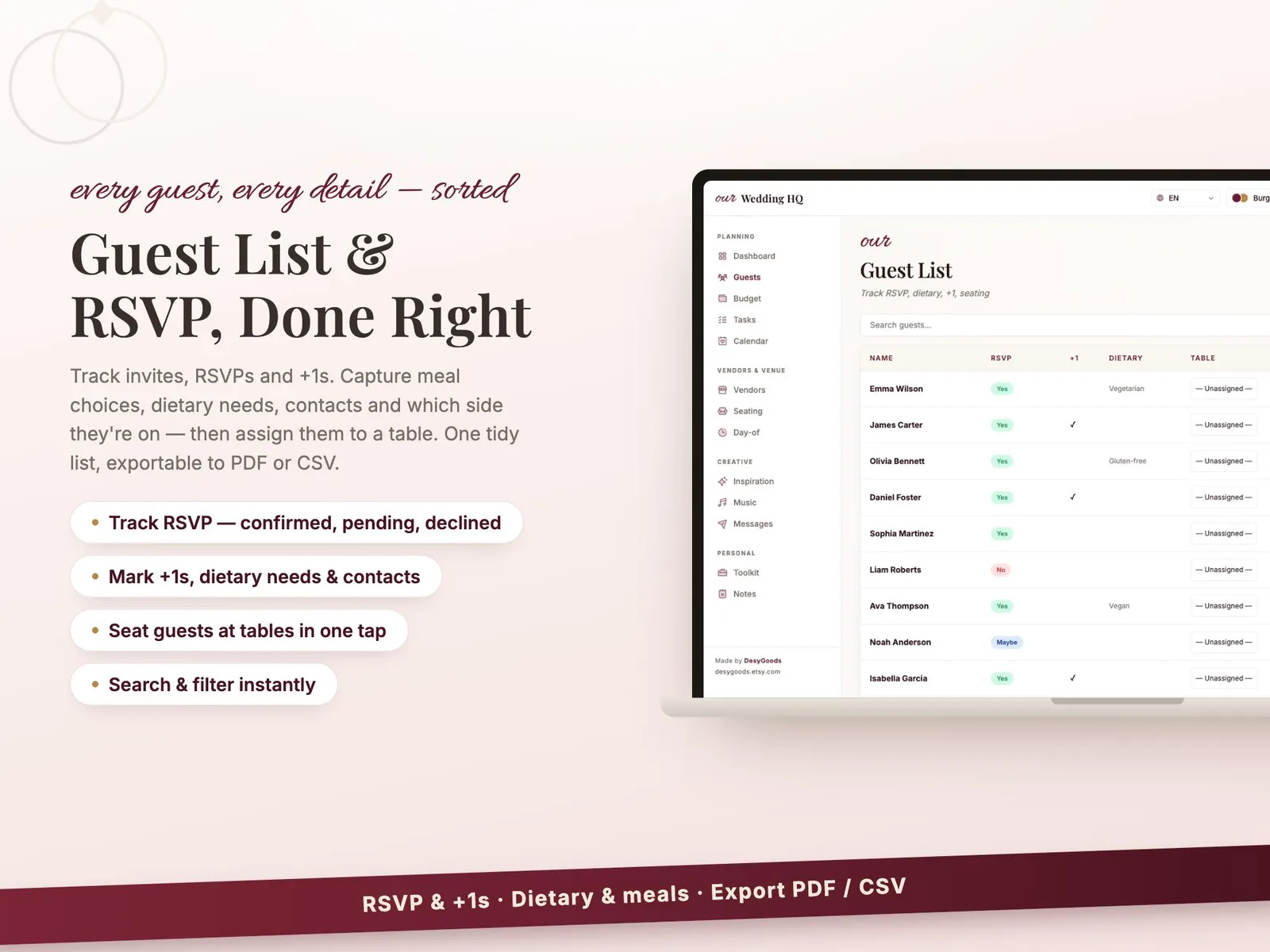
- Guest list with RSVPs, meals and plus-ones
$19once — no subscription
Instant download, card or PayPal. Faulty or not as described? Refunded.
Buy it on Etsy instead — same shop, same files, sold there as DesyGoods
4.8(51 reviews)505 orders on Etsy since 2025
- Works offline
- Every device
- No monthly fee
What it does
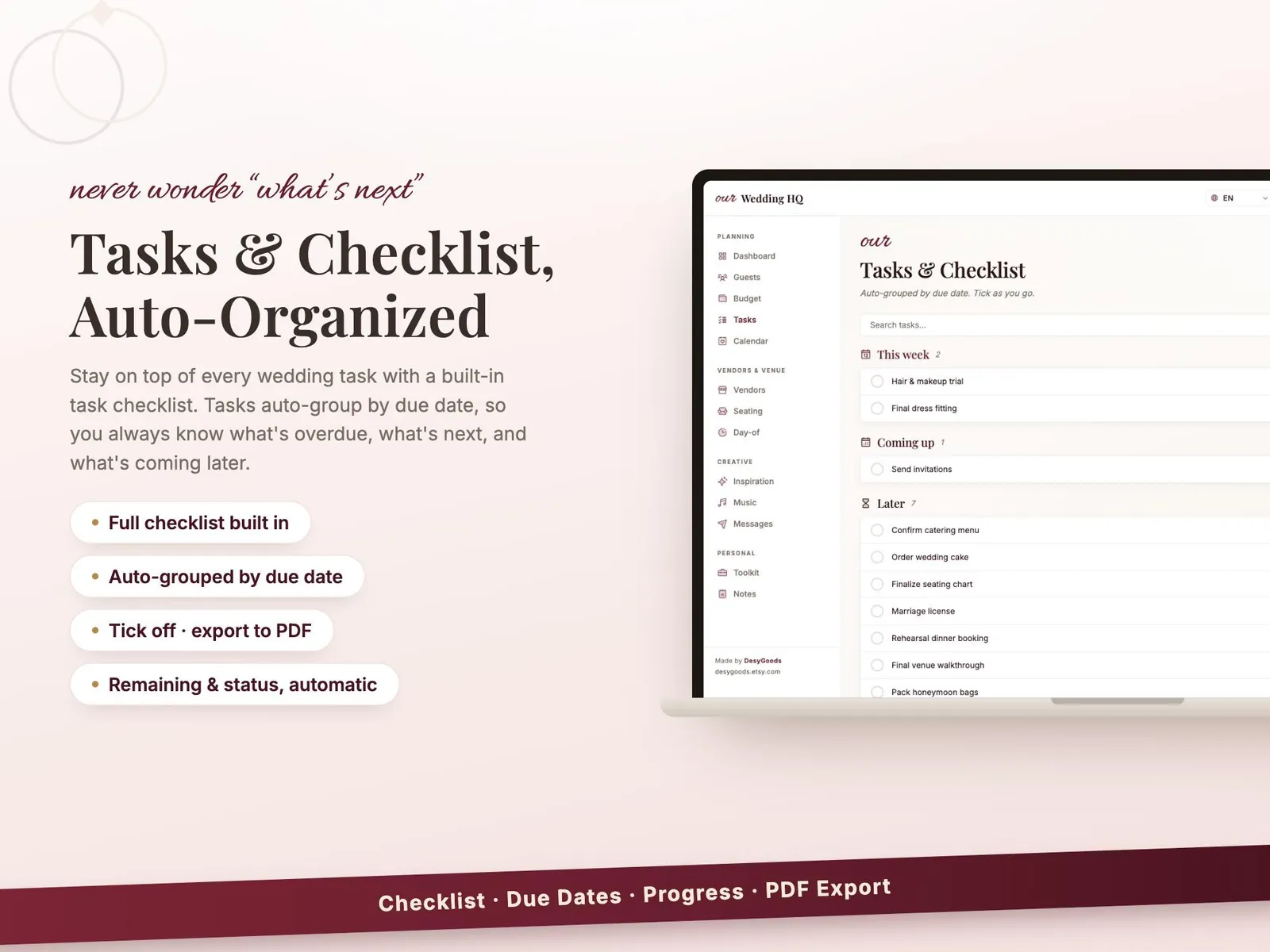
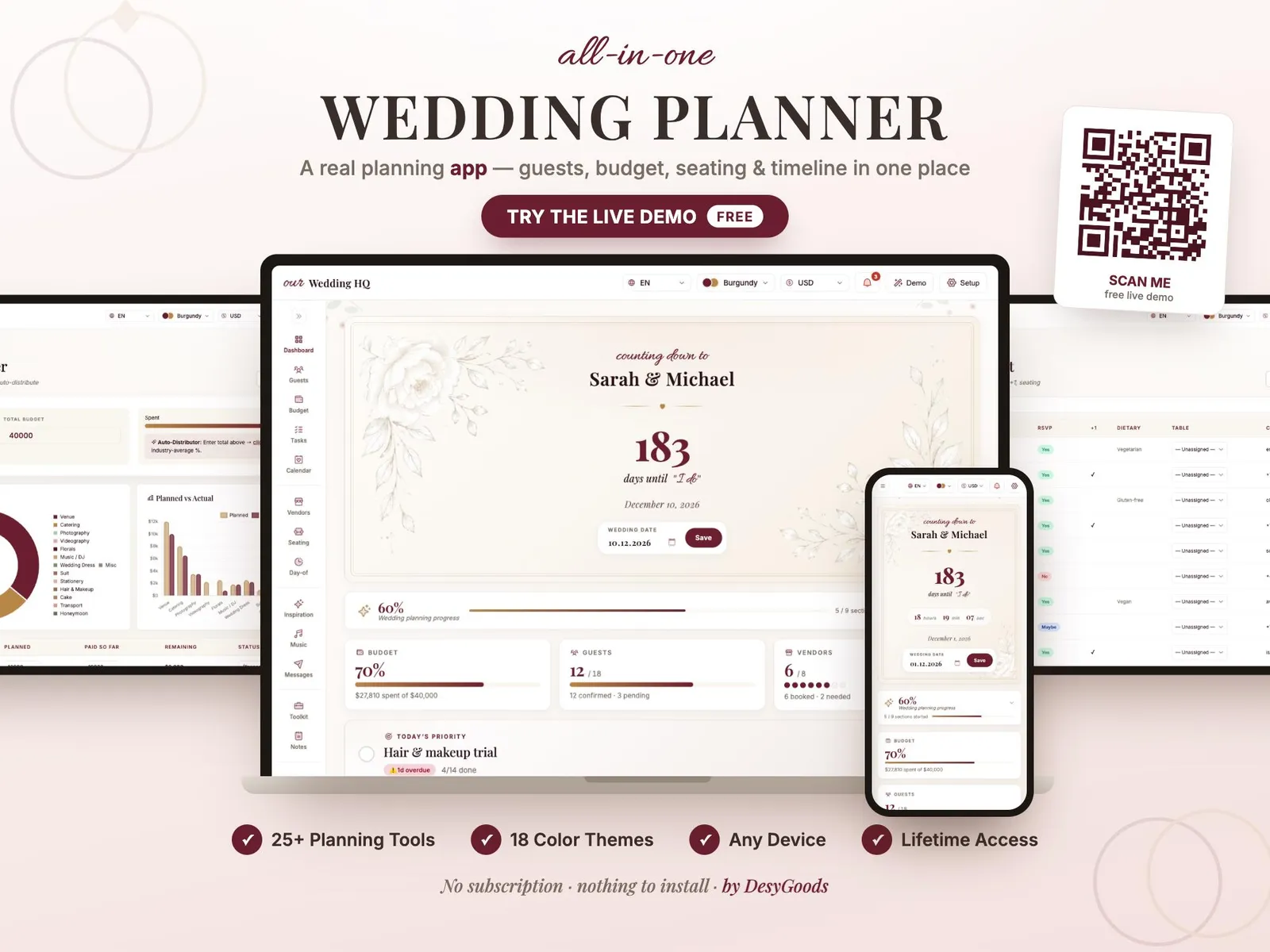
A real planning app rather than a printable checklist. The countdown, the budget against what you have actually paid, the guest list with who has replied, the seating chart you arrange by dragging names onto tables, the vendors with their deposits and dates, and the day-of timeline — all in one place, on any device you open it on. Twenty-five planning tools and eighteen colour themes, so it looks like your wedding and not like a spreadsheet.
What you get
- A private link to your planner and a one-page PDF with your access code
- Budget tracker: planned, paid and what is still owed
- Guest list with RSVPs, meals and plus-ones
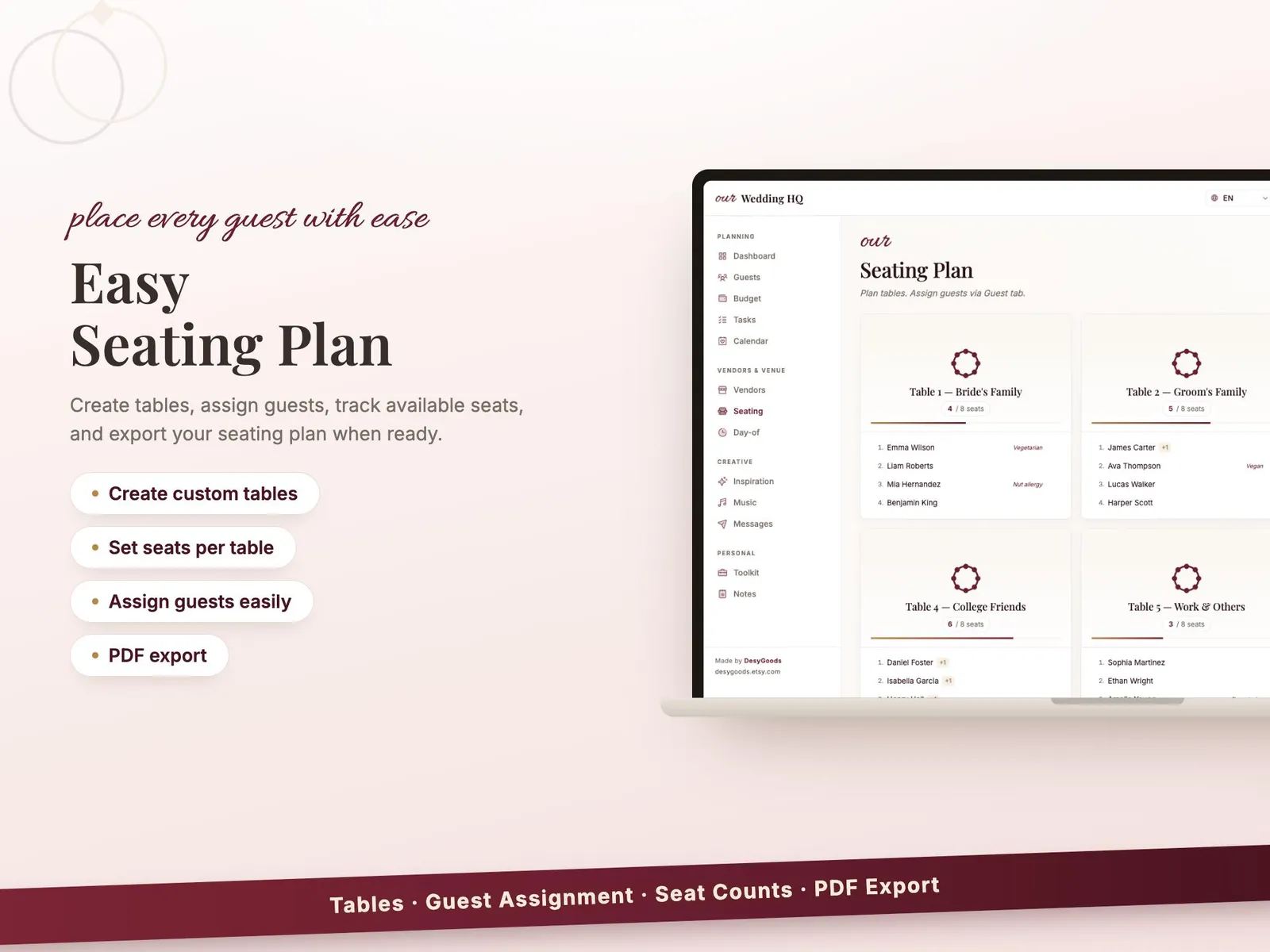
- A seating chart you arrange by dragging names onto tables
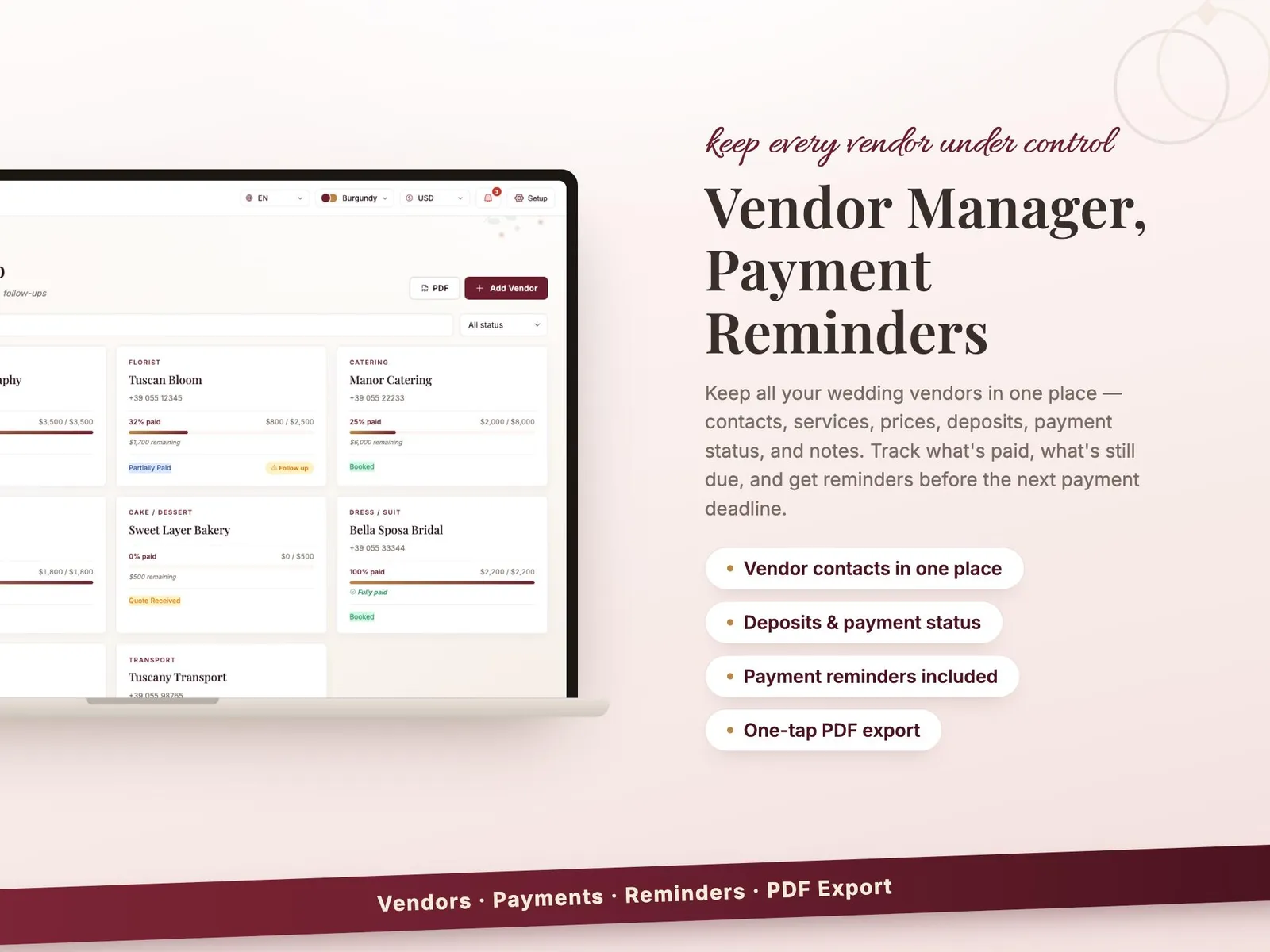
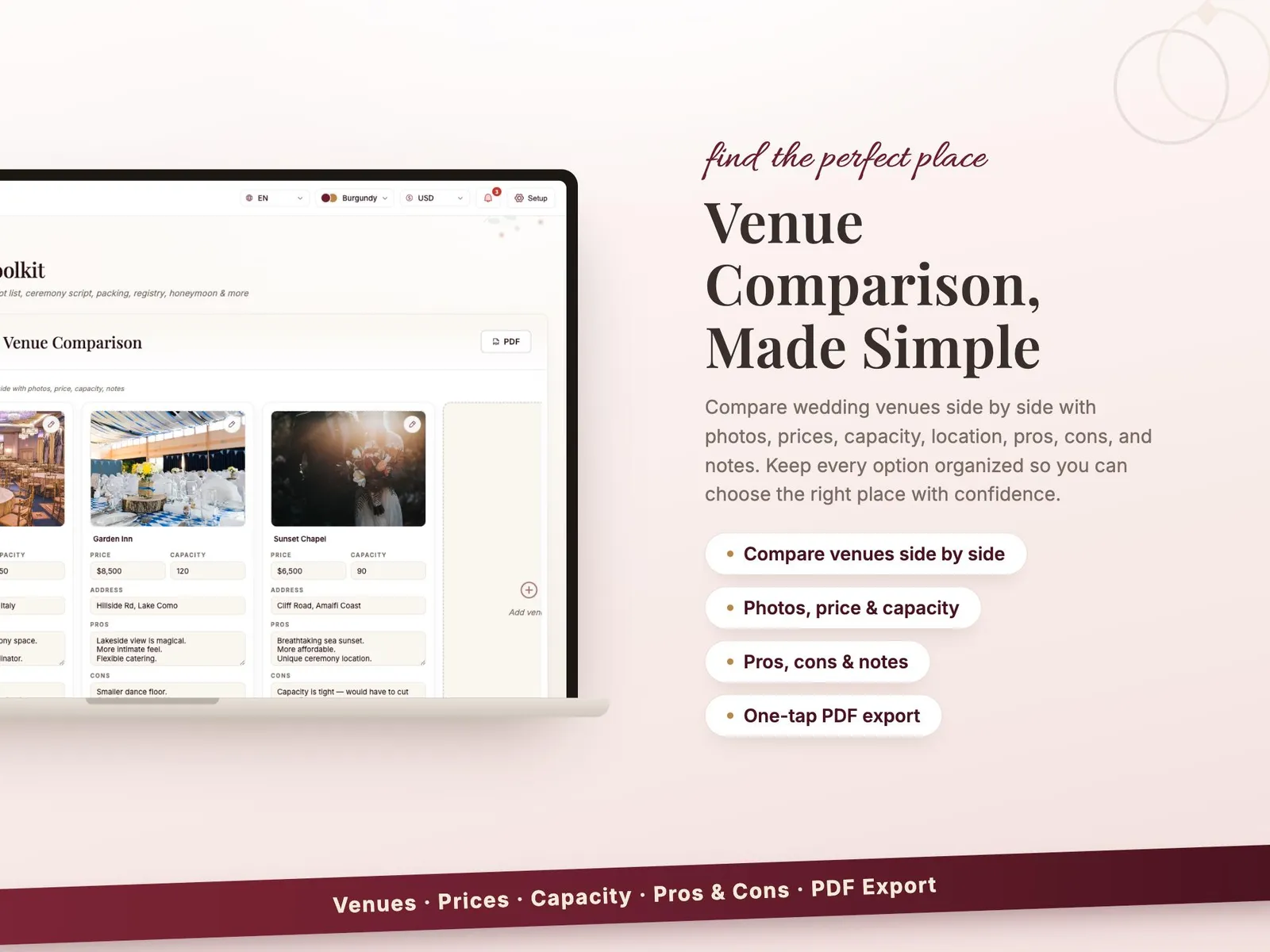
- Vendors, deposits, payment dates and the day-of timeline
- 25+ planning tools and 18 colour themes
- Lifetime access — no subscription, nothing to install
Where it runs
- iPhone & Android
- iPad & Mac
- Windows
- Works offline
The details
Everything you get
- A private link to your planner and a one-page PDF with your access code
- Budget tracker: planned, paid and what is still owed
- Guest list with RSVPs, meals and plus-ones
- A seating chart you arrange by dragging names onto tables
- Vendors, deposits, payment dates and the day-of timeline
- 25+ planning tools and 18 colour themes
- Lifetime access — no subscription, nothing to install
How you set it up
- Buy it — $19 once, no subscription.
- Open the PDF that arrives and click your private link.
- Type the access code with your email and a password, then answer three short questions.
- Add it to your home screen. It opens like any other app, on every device you sign in on.
Where it runs
- iPhone & Android
- iPad & Mac
- Windows
- Works offline
Nothing to install and no app store. It keeps working with the internet off once it has loaded, and your account carries the same data between your phone and your laptop.
Instant download, card or PayPal. Faulty or not as described? Refunded.
Buy it on Etsy instead — same shop, same files, sold there as DesyGoods
- Who you pay
- Paddle.com Market Ltd — the seller of record on the invoice, not this studio. Terms
- What arrives
- A link by email the moment the payment clears. Nothing ships, nothing renews, and there is no account to make.
- If it is wrong
- A file that is faulty or not what the page described is refunded. Refund policy
- Who answers
- One designer, at hello@cherryfeed.com. The same sets have sold on Etsy as DesyGoods since 2025.
Licence in one line
One licence covers one business — yours. Use it for as long as you like on as many of your own devices as you like. Do not resell it or pass the file on. Full licence.
A look inside
Every screen
7 of them — swipe, scroll or use the arrows
Free to read
Before you buy anything
- 2 min read
What belongs in a wedding budget, including the parts nobody lists
Where the money actually goes, in the order it gets spent, plus the eleven costs that turn up after the big ones are booked and blow the number. - 2 min read
A wedding day timeline that does not fall apart by lunchtime
How long each part really takes, where the day always slips, and the buffers that keep the schedule honest — with a version to send every supplier.
What buying it means
How it works
- 1
Buy it once
All-in-One Digital Wedding Planner is $19 once. No subscription, no commission, and new versions cost nothing.
- 2
Open your link
You get a private link and a one-page PDF with your access code. Setup is three questions, about three minutes.
- 3
Add to your home screen
It opens like any other app — iPhone, Android, iPad, Mac, Windows. Nothing to install, no app store.
Is this the right tool?
For a couple planning their own wedding rather than handing it to a planner: budget, suppliers, deposits, guest list with RSVPs, meals and plus-ones, all in one place instead of four. It suits weddings of any size — a twenty-person registry office day uses the same shapes with fewer rows. What it will not do is choose suppliers for you or hold a seating chart of two hundred by table shape.
Your first week with it
Start with the budget and the guest list on the same evening, because they are the same decision: every extra guest is catering, drinks and a chair. Put deposits in with due dates as they are agreed, and the year stops producing surprise payments. The RSVP columns matter most in the final month, when the venue wants final numbers and meal choices in one message.
Questions about All-in-One Digital Wedding Planner
Does it keep the budget and the guest list together?
Yes, and they talk to each other: the guest count drives catering and seating costs, so adding a table of eight does not quietly leave the budget where it was.
Can it handle RSVPs, meals and plus-ones?
Each guest carries their reply, their meal choice and who they are bringing, which is the information the venue asks for in one go about three weeks out.
Will it tell me what is still unpaid?
Deposits and balances sit against each supplier with their due dates, so what is still owed and when it falls is visible rather than remembered.
Is it only for a big wedding?
No. A twenty-person registry office wedding uses the same shapes — suppliers, budget, guests, timeline — with fewer rows. Nothing has to be filled in to be useful.
Can my partner or my mum use it too?
It opens in a browser on any device you sign in on, so planning from two laptops is normal. It is one licence for one wedding, not a subscription per person.
Is there a monthly fee?
No. You pay once and it is yours. No subscription, no commission on your bookings, and new versions cost nothing.
Do I have to install anything?
No. It opens in the browser you already use, and you can add it to your home screen so it opens like any other app — iPhone, Android, iPad, Mac or Windows.
Reviews
What buyers say
Left by buyers of the shop's templates on Etsy. This tool is new here, so it has no reviews of its own yet.
“Wow! These templates are amazing. They helped me improve my clients' Instagram visuals so quickly, and I'm very pleasantly surprised! Thank you”
“very nice, i highly recommend it!”
“TOP! Conceptually strong. Visually unique. Thank you!”
Read every review on EtsyCherry Feed has sold on Etsy as DesyGoods since 2025.
$19once
Get it