Do animated posts actually get more reach?
What movement does and does not do for a post, where an animated cover genuinely helps, and how to make one that loads properly instead of turning into a blurry loop.
3 min read · free to read, no sign-up
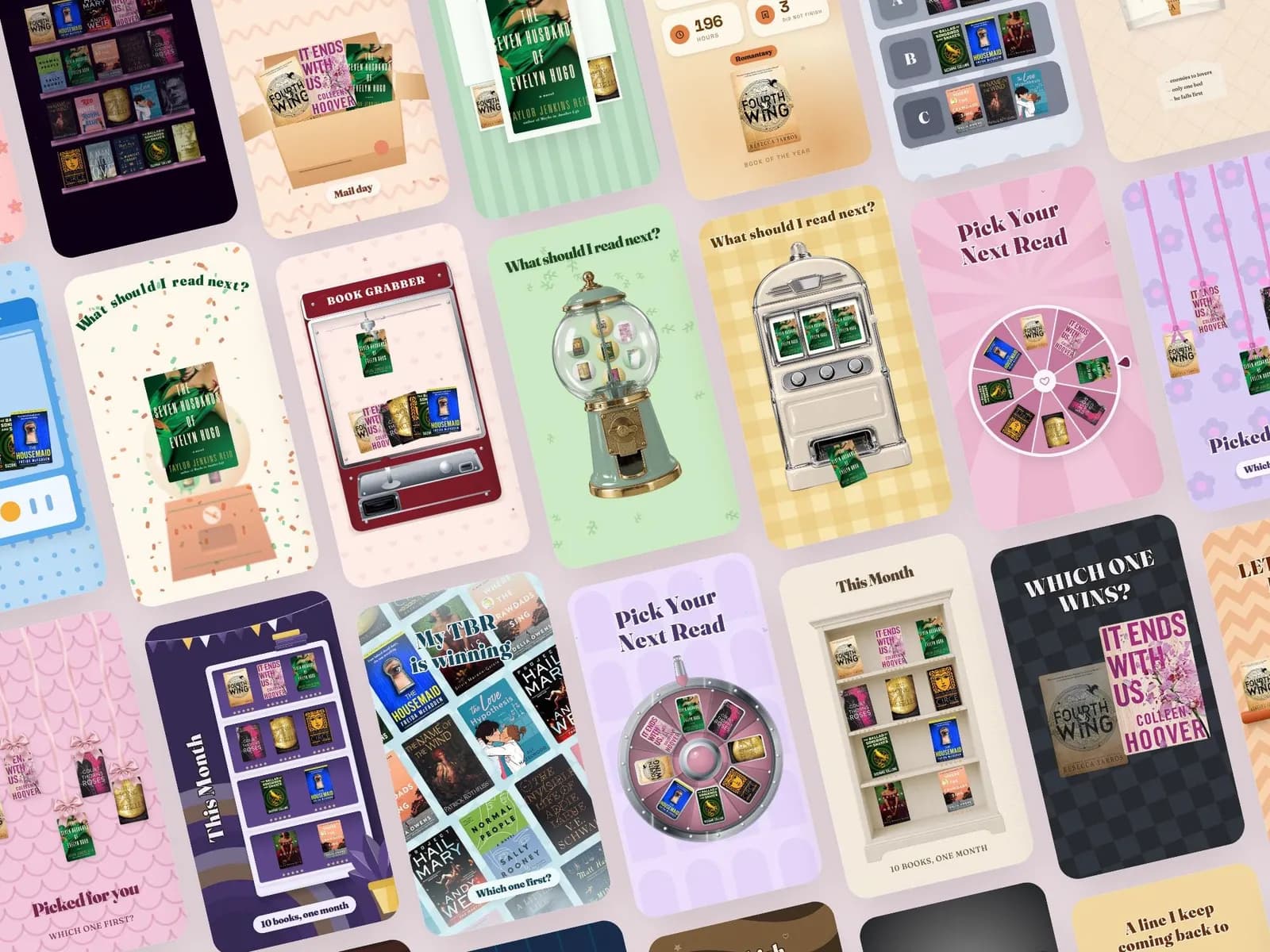
Movement is not a ranking factor. No platform gives a post more distribution for being animated. What movement does is win the half-second in which somebody decides whether to stop scrolling — and because watch time and saves are ranking factors, a post that holds attention does travel further. The effect is real; the mechanism is not the one people assume.
Where animation genuinely helps
- 1The first frame of a carousel or a Reel cover, where the whole job is to stop a thumb.
- 2Showing a change: before and after, a page turning, a colour swatch replacing another. Movement explains a change faster than two static images side by side.
- 3Anything with a list or a countdown, where the motion paces the reading.
- 4A product that is hard to photograph flat — a template set, a planner, anything with pages.
Where it does nothing, or hurts
- Text that moves while you are trying to read it. Animate the entrance, then hold it still.
- A loop under two seconds. It reads as a glitch rather than a design.
- Motion on every single post. When everything moves, nothing stands out, and the grid becomes exhausting.
- Anything that flashes or strobes — it is an accessibility problem and platforms suppress it.
Making one that survives the upload
Export as MP4, not GIF. A GIF posted to Instagram is converted anyway, and the conversion is what makes it blurry and heavy. MP4 at 1080 wide, 4:5 or 1:1 for feed, 9:16 for Reels and Stories.
- 1Between four and eight seconds — long enough to loop cleanly, short enough to loop twice while somebody reads.
- 2Make the last frame match the first, so the loop has no visible seam.
- 3Keep the important text away from the outer edges; every platform crops something.
- 4Assume no sound. Most people watch muted, so nothing essential should be audible only.
- 5Check the file size before posting. Heavy files get recompressed hardest, and recompression is where the quality goes.
How to tell whether it worked
Not by likes. Compare the same content posted both ways over a month and look at two numbers: the proportion of people who watched past the first three seconds, and saves. If the animated version does not beat the static one on those, the animation is decoration and it is costing you the time it takes to make.
In practice the honest answer for most small accounts is: animate the covers and the before-and-afters, leave the rest still. That is where the extra effort pays for itself, and the remaining posts get made instead of postponed.
Sets from this guide
Skip the blank page
See every set

Written for
Your line of work
Keep reading